
Minimal ADB and Fastboot Full Activated Setup Download [2026]
If you have problems with an Android phone, unlocking the bootloader, flashing firmware or IMG files, or working with Android development tools. If you need ADB and Fastboot without installing the massive Android SDK. Minimal ADB and Fastboot provides a simple way to get started. It provides the essential ADB and Fastboot tools for Windows in a lightweight installer of around 2 MB.
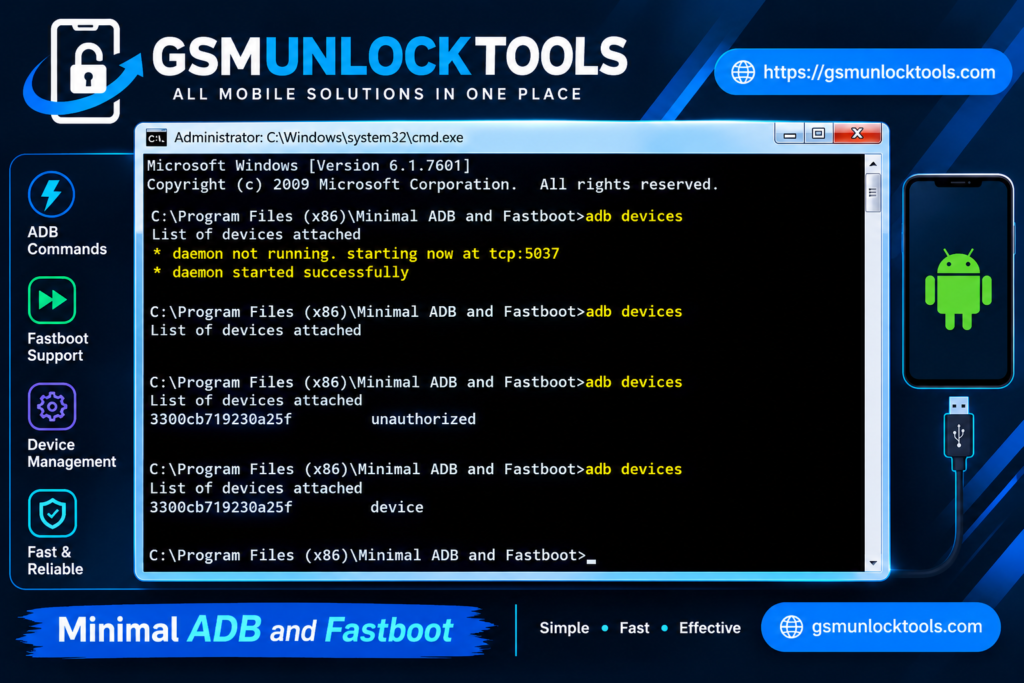
What is Minimal ADB and Fastboot?
Minimal ADB and Fastboot is a lightweight Windows tool. It provides the essential ADB and Fastboot files. Users do not need to install the complete Android SDK. The tool is about 2 MB. It makes it easy to connect your Android phone to a Windows PC.
Features of Minimal ADB and Fastboot
Lightweight Tool
Minimal ADB and Fastboot is a lightweight tool. The tool is about 2 MB. It gives you the essential ADB and Fastboot files. Users do not need to install the complete Android SDK.
Simple Installer
Minimal ADB and Fastboot is a simple Windows installer. You can choose the installation folder. Create Desktop and Start Menu shortcuts. Then add ADB and Fastboot to the System Path.
ADB Functions
Minimal ADB and Fastboot lets you work with connected Android devices through ADB commands. You can reboot your device, install APK files, push files, check device information, create Logcat files, and generate bug reports.
Fastboot Functions
The Fastboot tools help you to perform a reboot to Bootloader, restart the device, exit Bootloader mode, and work with supported image and recovery files.
Device Information
Minimal ADB and Fastboot check the device details, including the Android version, kernel version, firmware build date, security patch date, firmware version, IMEI, IP address, and installed app packages.
Recovery and Kernel Installation
Minimal ADB and Fastboot provide options to install supported Recovery and Kernel files. It can also automatically reboot the connected device into Bootloader mode when required for the installation process.
Android Debugging Tools
Minimal ADB and Fastboot include several debugging options, such as Logcat, Bugreport, screenshots, and screen recording. These features can help users check device activity and troubleshoot Android software problems.
Universal ADB Driver
The installer also offers an option to install an additional Universal ADB Driver, which can help Windows detect compatible Android devices when using ADB.
What’s New in Minimal ADB and Fastboot?
- Updated ADB and Fastboot binaries.
- Initial automated build tools
- Portable version introduced.
- Simplified installation process
- Lightweight package
- 32-bit Windows compatibility
- Previous releases received newer ADB/Fastboot binaries
- Multiple versions remain available
Pros & Cons
| Pros | Cons |
| Lightweight and easy to install | Requires basic ADB/Fastboot command knowledge |
| Includes both ADB and Fastboot tools | Older tool with limited recent updates |
| A portable version is available | Mainly designed for Windows |
| Useful for Android troubleshooting and device management | USB drivers may need to be installed separately |
| Simpler than installing the full Android SDK | Advanced users may prefer newer official Platform Tools |
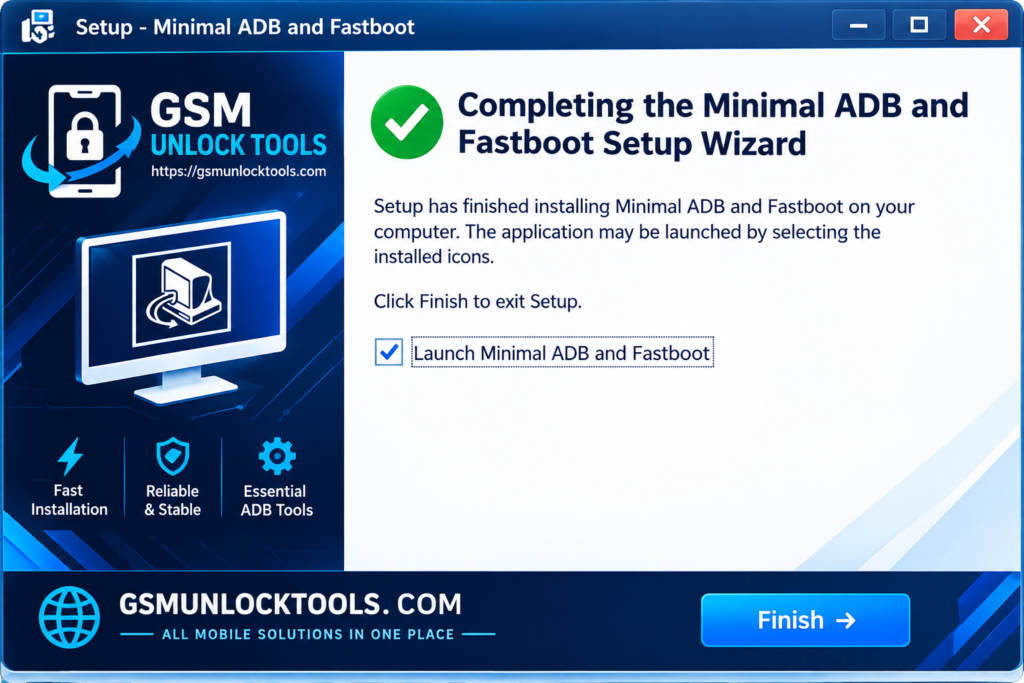
How to Download, Install & Use Minimal ADB and Fastboot?
- Download Minimal ADB and Fastboot.
- Click on the download link.
- Wait for the download to complete.
- Extract all files to your Desktop
- Open the extracted folder
- Enable USB debugging when using Fastboot and ADB functions.
- Open the tool that is downloaded.
- Run the tool as admin.
- The tool will open on your PC screen.
- Enjoy using the tool.
System requirements
| Requirement | Details |
| Operating System | Windows 7, 8, 8.1, 10, or 11 |
| Architecture | 32-bit & 64-bit Windows |
| RAM | 2 GB or more recommended |
| Storage | A few MB of free space |
| USB Connection | USB cable and a working USB port for connecting Android devices |
| Drivers | Appropriate Android USB drivers may be required |
Also check: IML Tool Pro Free Download Latest Version [2026]
Conclusion
Minimal ADB and Fastboot is a lightweight and straightforward tool. It is important for users who need essential ADB and Fastboot functions on Windows. It provides the basic tools required for common Android troubleshooting, device communication, and Fastboot operations without installing the complete Android SDK.
FAQ’s
Do I need the Android SDK to use Minimal ADB and Fastboot?
No. It provides the ADB and Fastboot tools separately.
Why is my device showing as “unauthorized”?
Unlock your phone and accept the USB debugging authorization prompt.
Can it unlock an Android bootloader?
It can send Fastboot commands, but unlocking depends on the device and manufacturer.
Can I use it to flash a custom recovery?
Yes, on compatible devices using the appropriate Fastboot commands.
Does using Fastboot erase phone data?
Some Fastboot commands can erase data, so always understand the command before executing it.
![DFT PRO Tool v8.1.0 Download for Windows – Latest Version [2026]](https://gsmunlocktools.com/wp-content/uploads/2026/08/dft-pro-tool-v8-1-0-768x576.png)
![RC Dark Tool v1.5.3 Free Download Setup Latest Version [2026]](https://gsmunlocktools.com/wp-content/uploads/2026/08/rc-dark-tool-v1-5-3-768x576.png)