Pegasus Tool V3.2 Free Download & Setup for Windows [2026]
Pegasus Tool V 3.2 is a free Windows-based mobile repair and unlocking software. It allows technicians to read phone information, unlock carrier locks, remove FRP, bypass Samsung Account, Mi Account, and MDM restrictions, and repair various security components. Users can also reset the phone, fix small software problems, and open hidden phone settings.
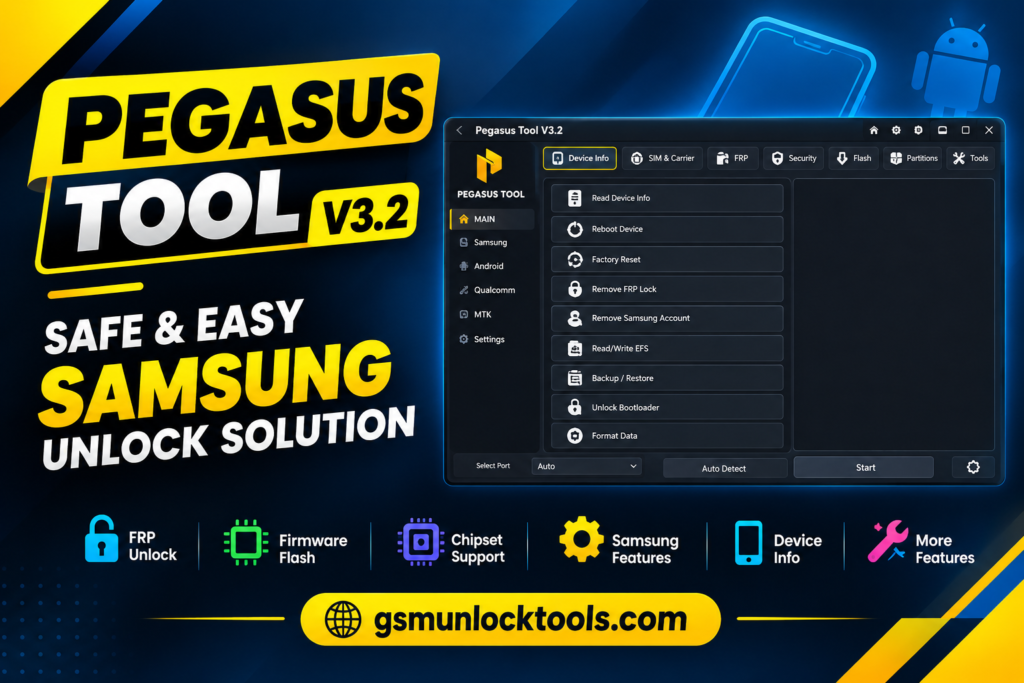
What is Pegasus Tool
Pegasus Tool is an advanced Android Servicing Software designed to help technicians manage security locks, repair system issues, and unlock devices. It includes powerful SIM lock & security options such as read info, direct unlock, relock carrier, get code lock, and read or write certificate.
Key Features of Pegasus Tool
Device Information
Shows important details about the phone, such as model, chipset, Android version, and hardware information. It helps technicians quickly identify the device and its software specifications.
SIM & Carrier Services
Provides functions for checking and managing SIM and carrier-related information. It is useful for handling basic SIM, network, and carrier servicing tasks.
FRP & Account Services
Provides supported functions for handling FRP and Google account verification issues. It helps technicians manage account-related software problems on compatible devices.
Samsung Security
Provides supported security and servicing functions for Samsung devices. It helps technicians handle common Samsung software and security-related tasks.
Firmware Flashing
Allows technicians to install or update firmware on supported Android devices. It can help resolve software errors, boot issues, and firmware-related problems.
Chipset Support
Supports various device platforms, including MediaTek, Qualcomm, and other compatible chipsets.
This allows technicians to work with a wider range of Android devices.
Partition Management
Provides functions for managing and working with device partitions. It can be useful during firmware installation and other software servicing tasks.
Connectivity & IMEI
Provides tools for device connectivity and supported IMEI-related servicing functions.
It helps technicians establish device communication and perform supported identity-related tasks.
Network & VoLTE
Includes supported functions related to mobile network and VoLTE settings. It can help technicians troubleshoot certain network and calling-related software issues.
General Android Utilities
Provides additional tools for Android maintenance, diagnostics, and software servicing. These utilities can make common troubleshooting and servicing tasks easier.
Supported Modes & Platforms
- ADB
- Fastboot
- MTP
- BROM
- EDL
- SPRD
- Download Mode
- Sideload Mode
- USB COM
How to download Pegasus Tool?
To download Pegasus Tool:
- Visit a trusted source for the latest available setup.
- Locate the downloaded Pegasus Tool setup file.
- Follow the installation instructions displayed.
- Complete the installation and launch Pegasus Tool.
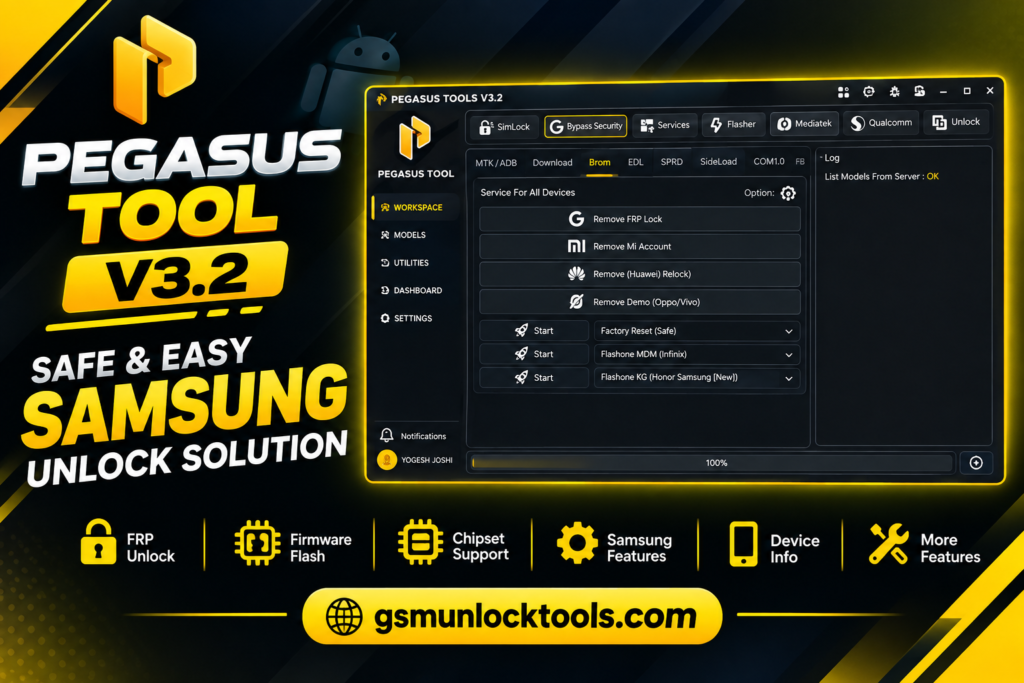
How to use it?
- First, download the tool.
- Go to the official website
- Click on the Start Free Trial button.
- Sign up with the Google option.
- Fill in the following information:
- Full Name
- Email ID
- Mobile Number
- Password
- Re-enter your password.
- Tick the Terms and Conditions box.
- Click on Create Account.
- Login is ready.
- Then complete the installation.
- Use your new login credentials to open and start using the tool.
- The tool will open on your PC screen.
- Enjoy using the tool.
Download Information
| Information | Details |
| App Name | Pegasus Tool V3.2 |
| Latest Version | V3.2 |
| Platform | Windows / PC |
| Category | Mobile Servicing & Repair Tool |
| Content Rating | Not specified in the provided source |
| App Type | Utility / Mobile Phone Servicing |
| Primary Use | Android Device Repair & Servicing |
Pros & Cons
| Pros | Cons |
| Wide Android servicing support | Compatibility can vary |
| Multiple service modes | Advanced technical knowledge required |
| Broad repair functionality | Risk of data loss |
| Chipset coverage | Trial duration is unclear |
| Samsung-focused features | Feature claims should be verified |
| Connectivity tools | Security-sensitive functions |
| Free trial mentioned | Legal and ethical concerns |
| Advanced surveillance capabilities | Severe privacy risk |
| Remote targeting | Sophisticated infection methods |
| Broad device intelligence | Difficult detection |
| Forensic investigation value | Ongoing technical evolution |
Also check: Minimal ADB and Fastboot Full Activated Setup Download [2026]
Conclusion
Pegasus Tool is a free Android servicing and repair software. It helps technicians handle common security locks, network issues, software failures, unlocking requirements, and system repair tasks. With support for multiple Android devices, service modes, chipsets, and repair functions, the tool provides a practical workflow for mobile phone technicians and repair shops facing diverse Android servicing challenges.
FAQ’s
What does Pegasus do?
Pegasus can access conversations, messages, digital files, a device’s camera, and voice-recording functions and modify content on the affected device.
Can Pegasus spyware be removed?
Restart the smartphone to remove spyware. Perform a factory reset, which the source says may remove Pegasus. Update the smartphone’s system software and applications to the latest versions.
How can you protect your phone from Pegasus spyware?
Update system software and apps, limit unnecessary account access, and follow security practices. If any spyware is detected, professional assessment is advisable.
![MRT Tool V6.1.0 Free Download Setup for Windows Latest Version [2026]](https://gsmunlocktools.com/wp-content/uploads/2026/09/mrt-tool-v6-1-0-768x576.png)