
V-EMMC Tool v1.0 Free Download for Windows Latest Version [2026]
When your Android phone is stuck in a bootloop, completely dead due to software issues, or locked by a screen lock or FRP protection. V-EMMC Tool is a Windows-based mobile servicing tool. It is designed to help users perform supported eMMC and UFS storage operations through the ISP method. Its features include dump file writing, firmware flashing, dead boot repair, screen lock reset, and FRP servicing on compatible devices.
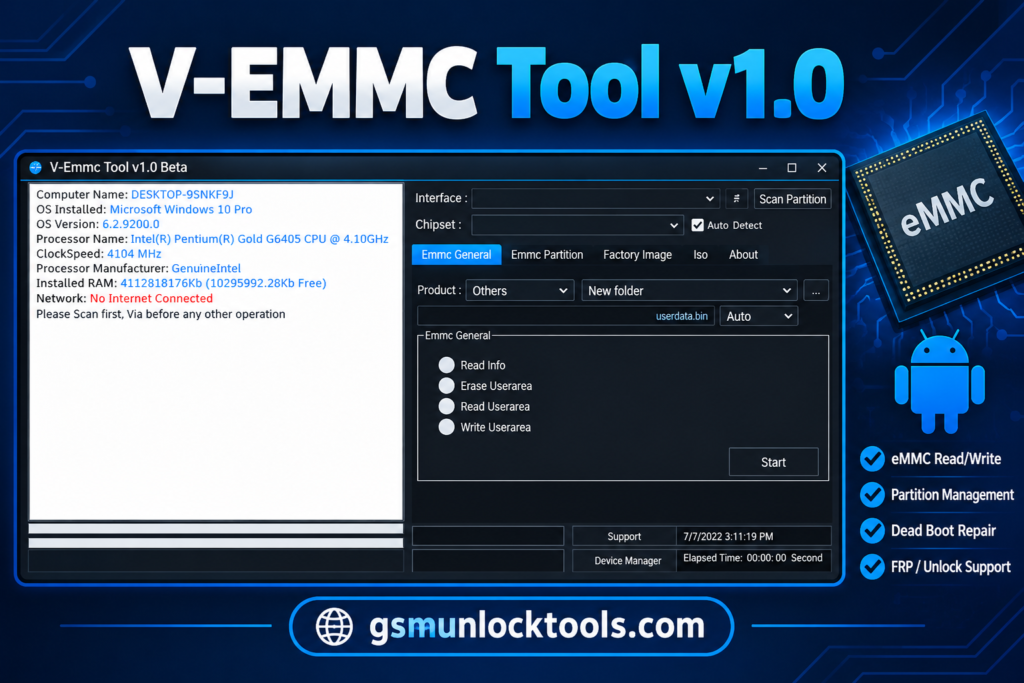
What is the V-Emmc Tool?
V-EMMC Tool is a Windows-based mobile servicing tool. It is designed to help users perform eMMC and UFS storage operations on compatible Android devices. The tool features include dump file writing, firmware flashing, dead boot repair, screen lock resetting, and FRP servicing. It may be useful when a phone becomes unresponsive or experiences software-related boot problems.
Key Features of the V-Emmc Tool
eMMC and UFS support
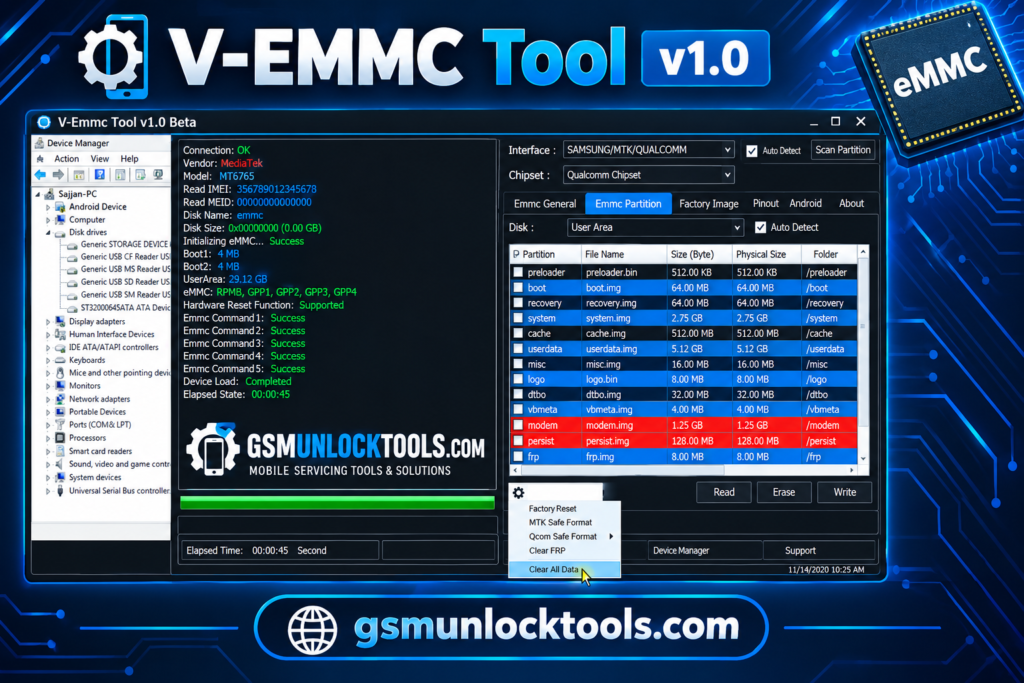
The tool supports storage-related operations on compatible eMMC and UFS devices. Available functions depend on the device and storage configuration.
Dump file writing
The tool allows technicians to write supported dump files to compatible device storage. Correct files are essential for avoiding storage or boot issues.
Dead boot repair
The tool advertises repair functions for certain dead-boot conditions caused by software or storage-related problems. Results depend on the actual fault and device compatibility.
ISP mode operations
The tool uses the In-System Programming method to communicate with compatible storage hardware. A suitable connection setup and supported hardware may be required.
Screen lock reset
The tool advertises screen lock reset functions for supported devices. Availability depends on the device and the tool’s supported operations.
What’s new in the V-Emmc Tool?
- eMMC and UFS storage operation support
- Dump file writing functionality
- Firmware flashing support
- Dead boot repair features
- Screen lock reset via ISP mode
- FRP servicing via ISP method
- Windows-based tool package with drivers and tutorial
System Requirements
| Requirement | Specification |
| OS | Windows 7, 8, 8.1, or 10 |
| Processor | Compatible Intel or AMD processor |
| RAM | Sufficient memory to run the utility |
| Storage | Free disk space for the tool and required files |
| Connection | Compatible ISP setup and eMMC/UFS connection |
| Drivers | Required USB or device-specific drivers |
| Additional files | Compatible dump files and supported device data, when needed |
How to Download & Install the V-Emmc Tool?
- Download the V-Emmc Tool from a trusted source.
- Click on the download link.
- Wait until the download is complete.
- Extract all files to your Desktop.
- Open the extracted folder.
- Enable USB debugging when using ADB functions.
- Open the downloaded tool.
- Run the tool as admin.
- The tool will open on your PC screen.
- Enjoy using the tool.
Pros & Cons
| Pros | Cons |
| Supports eMMC and UFS storage operations | Requires compatible hardware and connection setup |
| Offers dump file writing functionality | Incorrect dump files may cause device issues |
| Includes firmware flashing features | Device compatibility may be limited |
| Advertises dead boot repair functions | Not every dead phone can be repaired |
| Supports selected ISP-based servicing operations | Requires technical knowledge of ISP connections |
| Available as a Windows-based utility | Official support and update information may be limited |
Also check: SN Write Tool V2.1504: Download Latest Version for MediaTek [2026]
Conclusion
V-EMMC Tool is a Windows-based mobile servicing utility designed for supported eMMC and UFS devices. Its advertised features include dump file writing, firmware flashing, dead-boot repair, and screen lock or FRP servicing via the ISP method.
FAQ’s
What is V-EMMC Tool used for?
The tool is advertised for writing dump files, flashing firmware, and certain dead-boot repair operations. It also offers screen lock reset and FRP servicing for supported devices. Actual functionality depends on device compatibility and the hardware setup.
Does V-EMMC Tool support eMMC and UFS?
Yes, the tool is advertised as supporting eMMC and UFS storage operations. The available functions vary by device and storage configuration. Check compatibility before starting a repair.
Can V-EMMC Tool repair dead Android phones?
It advertises dead boot repair functions for certain compatible devices. However, a phone may be dead because of hardware damage, power faults, or storage failure. Repair success depends on the underlying cause.
Does V-EMMC Tool support ISP mode?
Yes, ISP is one of the methods associated with the tool’s advertised servicing features. A compatible connection setup and suitable technical knowledge may be required. Support depends on the device and operation.
Is V-EMMC Tool v1.0 free?
The availability and authenticity of downloads cannot be guaranteed from those claims alone. Scan files and use a trustworthy source before running them.
![TFM Tool Pro v2.3.0: Download Latest Version [2026]](https://gsmunlocktools.com/wp-content/uploads/2026/08/tfm-tool-pro-v2-3-0-768x576.png)
![BMB Tool Pro V7.0 Free Setup Download Latest Version [2026]](https://gsmunlocktools.com/wp-content/uploads/2026/09/bmb-tool-pro-v7-0-768x576.png)
One Comment