AFT Tool v5.1.8 Download the latest version (100% working)
Facing FRP locks, boot loops, firmware errors, or unresponsive Android devices can make mobile servicing frustrating. AFT Tool (Auth Flash Tool) offers a solution for supported Xiaomi, MediaTek, and Qualcomm devices, with tools for firmware flashing, FRP, Fastboot, ADB, EDL, and EFS management. Its simple interface helps technicians handle software repair tasks more efficiently.
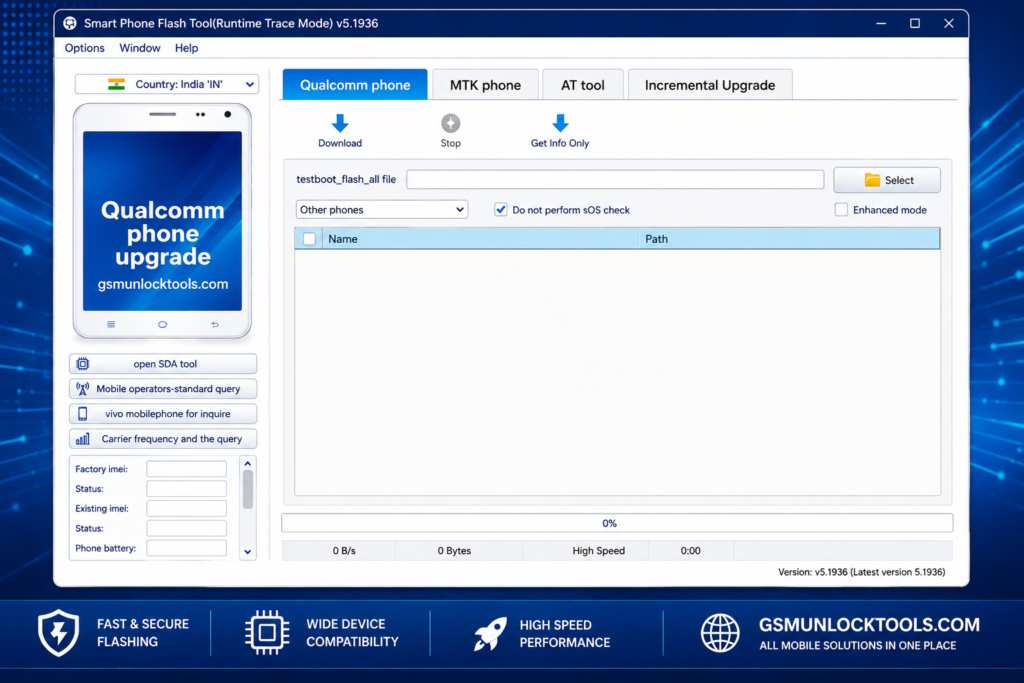
What is the AFT Tool v5.1.8?
AFT Tool (Auth Flash Tool) is a Windows-based Android servicing utility designed for software repair and device maintenance. It is compatible with Xiaomi devices and also supports MediaTek (MTK) and Qualcomm smartphones. Depending on the device and supported mode, technicians can use it for firmware flashing, FRP-related operations, factory resets, EFS backup and restore, reading device information, Fastboot, and EDL operations. Before using the tool, ensure the required USB drivers and the correct device mode are configured.
Key Features of the AFT Tool v5.1.8
FRP Bypass
When login details are forgotten or any other login issue occurs after a factory reset, AFT Tool helps remove FRP from Android devices. It can bypass the Google account verification screen after a factory reset, making it useful for technicians repairing locked Xiaomi, MediaTek, and Qualcomm devices.
Firmware Flashing
It helps technicians flash or reinstall Android firmware on Android devices. It replaces corrupted software and fixes boot loops, system errors, crashes, and failed updates by installing the correct firmware package.
Qualcomm EDL Mode Support
The tool supports Qualcomm EDL (Emergency Download Mode) for device servicing. Technicians can use this mode for firmware flashing and software repair on Qualcomm smartphones, including devices that are not booting.
Fastboot & ADB Functions
It supports ADB and Fastboot commands for compatible Android devices. Technicians can use these modes to reboot devices, check device status, manage bootloader operations, and perform other software servicing tasks.
Xiaomi Device Support
This tool supports many Xiaomi smartphones for common software servicing tasks. Technicians can use it for firmware flashing, FRP-related operations, Fastboot, and software repair on Xiaomi devices.
Mi Account Bypass
The best feature supports Mi Account bypass on Xiaomi devices during servicing. This feature helps technicians handle Xiaomi account locks that can prevent normal device access after a reset or repair.
Multi-Brand Support
This is compatible with multiple Android brands, including Xiaomi, Vivo, Oppo, and select Samsung devices. Support may vary by device model, chipset, and available servicing modes.
User-friendly Interface
The AFT Tool features a simple and user-friendly interface. Its clear dashboard helps beginners and technicians quickly find flashing, FRP, Fastboot, EDL, and device servicing options.
Common Problems Users Face with the AFT Tool v5.1.8
Users searching for AFT Auth Tool, AFT Flash Tool, or AFT Tool v5.1.8may face several issues during device servicing. Here are the most common problems:
Device Not Detected
The tool may fail to recognize the phone because of:
- Missing or incorrect USB drivers
- USB debugging is being disabled
- Incorrect Fastboot, EDL, or other device mode
Authentication Errors
Users may encounter errors such as:
- Auth failed
- Login required
- FRP not supported
Cracked Version Issues
Unofficial or cracked versions may cause:
- Tool not opening
- Missing features
- Antivirus warnings
- Fake or unsafe download links
Tool Crashing or Freezing
The tool may freeze during firmware flashing, stop unexpectedly, or crash while performing operations.
Limited Device Support
It does not support every Android model. Some features may work differently depending on the device, chipset, firmware, and servicing mode.
File Information
| Detail | Information |
| File Name | AF Tool v5.1.8.zip |
| Version | 5.1.8 |
| File Size | Approximately 96 MB |
| Executable File | AFtool_5.1.8.exe |
| Platform | Windows 32-bit & 64-bit |
Also Check: QPST Tool v2.7.496 Download Latest Version for Windows 2026
How to Download and Install the AFT Tool
- Download the Tool from a trusted website and verify the version before starting the download.
- Save the AFT Tool ZIP or RAR file to your computer and check its file name and size.
- Use WinRAR or 7-Zip to extract the downloaded archive to a new folder.
- Install the required Android USB drivers so Windows can properly detect the connected device.
- Open the extracted folder and launch the AFT Tool executable. If required, run it as Administrator.
- Connect the supported Android smartphone to the PC using a compatible USB cable and select the appropriate device mode.
- Once the device is detected, choose the required flashing, FRP, Fastboot, EDL, or repair option and follow the on-screen instructions.
Conclusion
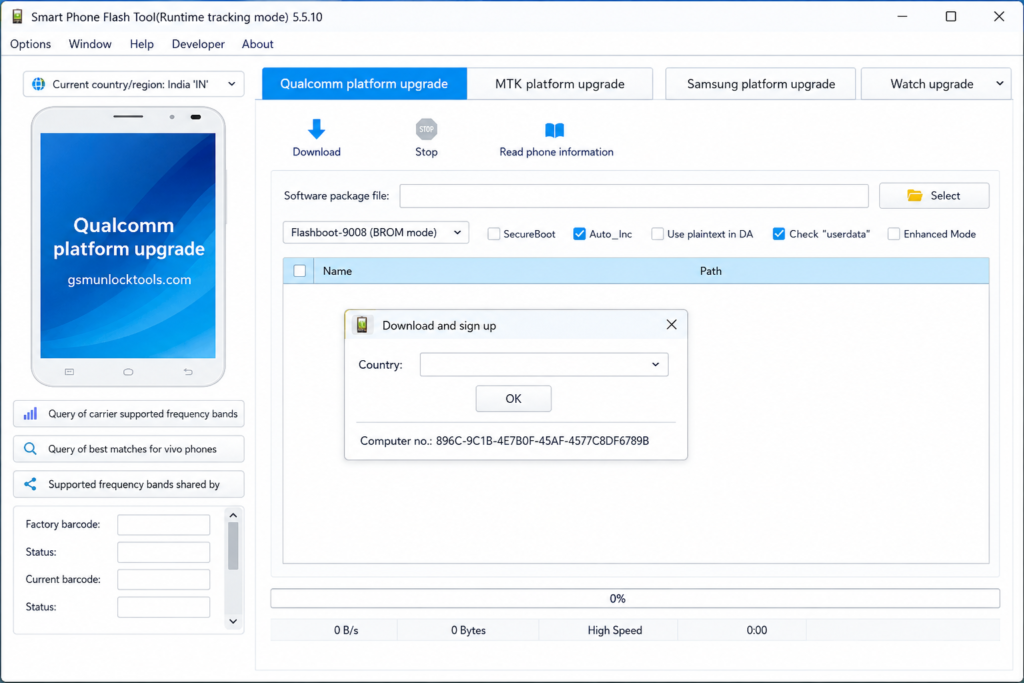
AFT Tool is a Windows-based Android servicing software for technicians working with Xiaomi, MediaTek, and Qualcomm devices. It provides features such as firmware flashing, FRP operations, EFS backup, factory reset, Fastboot, and EDL support. Its simple interface makes common device servicing tasks easier.
FAQ’s
Where the AFT Tool used for?
AFT Tool is a Windows-based Android servicing utility used for firmware flashing, FRP operations, factory reset, EFS management, and Fastboot or EDL tasks on supported devices.
Which devices does the AFT Tool support?
AFT Tool mainly supports Xiaomi smartphones and selected MediaTek and Qualcomm devices. Compatibility depends on the specific model, chipset, firmware, and servicing mode.
Does the AFT Tool require USB drivers?
Yes. The required Android USB drivers should be installed so Windows can detect the connected smartphone correctly during servicing operations.
Does the AFT Tool support Qualcomm EDL mode?
Yes, it supports Qualcomm EDL (Emergency Download Mode) on compatible devices for advanced firmware flashing and software repair.
Can the AFT Tool reset the Mi Account?
AFT Tool provides Mi Account-related servicing for supported Xiaomi devices. Availability can vary according to the device model and supported authorization.
Is the AFT Tool available for Windows?
Yes, AFT Tool is designed for Windows PCs and can be used with compatible 32-bit or 64-bit Windows systems, depending on the specific release.