
SN Write Tool V2.1504: Download Latest Version for MediaTek [2026]
If you encounter invalid IMEI errors, network connectivity problems, or missing device identification data after flashing a MediaTek smartphone, SN Write Tool is a Windows-based tool that writes or restores IMEI and other supported device information on compatible MediaTek smartphones, feature phones, and tablets. It supports operations involving IMEI, serial number, Bluetooth, MAC/Wi-Fi addresses, and barcode data.
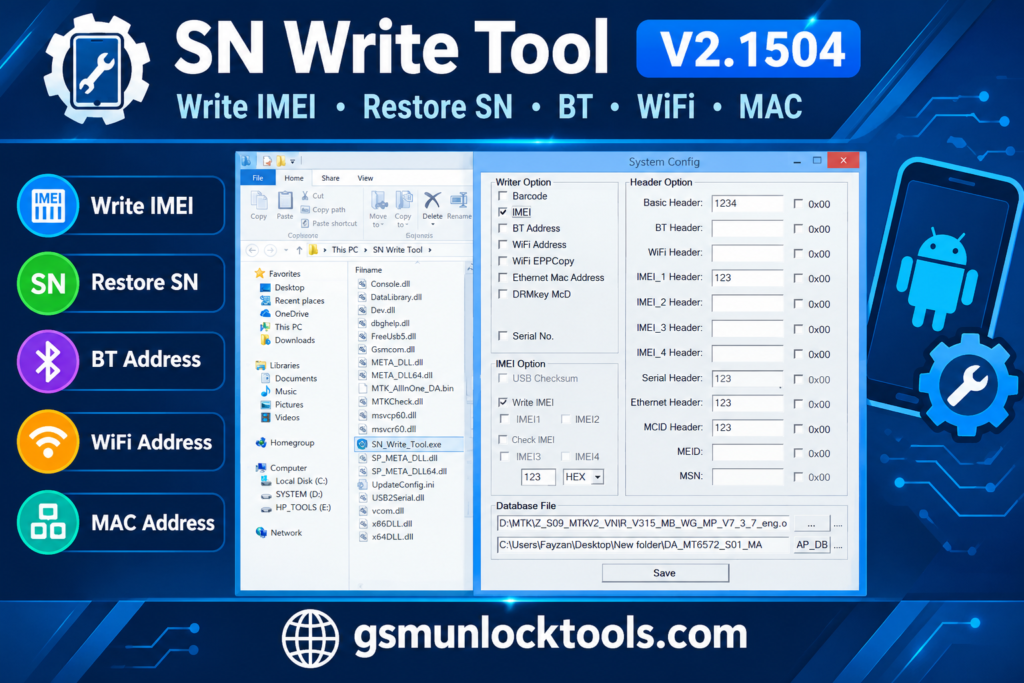
What is the SN Write Tool?
SN Write Tool is a Windows-based tool. It writes and restores device identification information on compatible smartphones. It helps address issues such as missing or corrupted IMEI information after firmware flashing and supports operations involving serial numbers, Bluetooth addresses, MAC/Wi-Fi addresses, and barcode data.
Key Features of the SN Write Tool
Serial number writing
The tool supports writing serial number information on compatible MTK devices. It helps restore supported factory identification data.
Bluetooth address support
The tool provides options for writing Bluetooth address information. It supports compatible devices that require Bluetooth data restoration.
MAC and Wi-Fi address support
The tool supports writing MAC and Wi-Fi address information. It helps restore supported network identification data.
Barcode writing
The tool includes barcode address writing functionality for compatible MediaTek devices. It can help restore missing barcode information after supported firmware operations.
What’s new in the SN Write Tool?
- Support for IMEI writing and restoration
- Bluetooth address writing support
- MAC and Wi-Fi address writing support
- Barcode address writing functionality
- Support for compatible MediaTek devices
- Windows-based device servicing utility
System Requirements
| Requirement | Specification |
| OS | Windows PC |
| Processor | Intel or AMD processor |
| RAM | Sufficient memory to run the tool |
| Storage | Free disk space for the tool and required files |
| USB connection | Compatible USB cable and MTK drivers |
| Device support | Compatible MediaTek (MTK) device |
| Additional files | Required database files, depending on the device |
How to Download & Install the SN Write Tool?
- Download the SN Write Tool from a trusted source.
- Click on the download link.
- Wait until the download is complete.
- Extract all files to your Desktop.
- Open the extracted folder.
- Enable USB debugging when using ADB functions.
- Open the downloaded tool.
- Run the tool as admin.
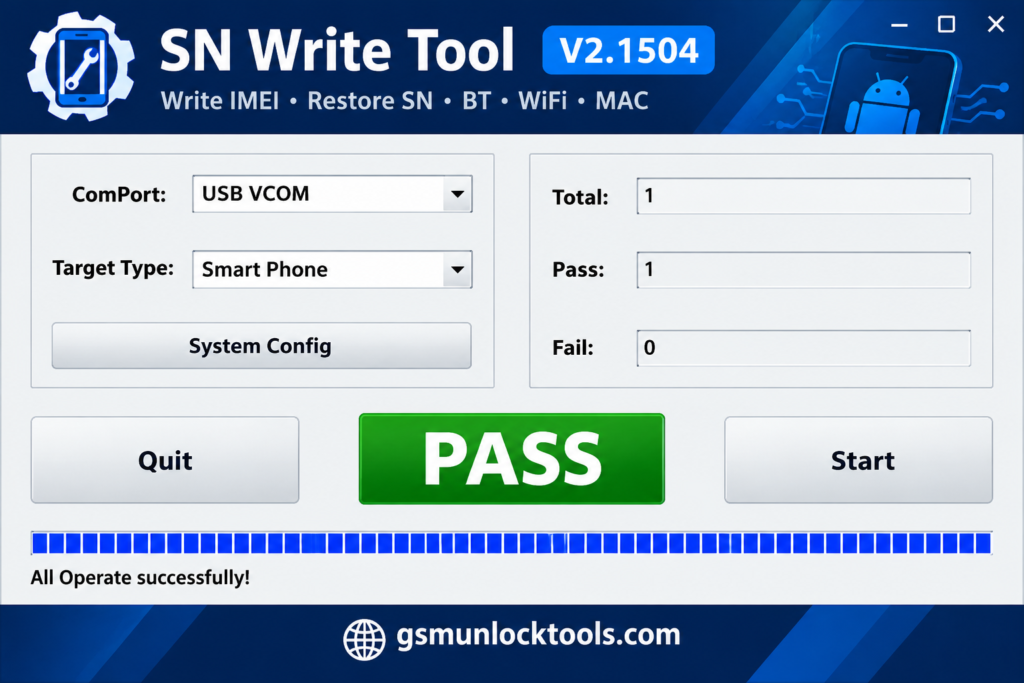
- The tool will open on your PC screen.
- Enjoy using the tool.
Pros & Cons
| Pros | Cons |
| Supports IMEI writing and restoration | Primarily designed for MediaTek devices |
| Supports serial number and barcode data | Requires compatible drivers and database files |
| Includes Bluetooth and MAC/Wi-Fi address support | Compatibility varies by device and firmware |
| Works with supported smartphones, feature phones, and tablets | Requires a Windows PC |
| Helps restore missing device identification data | Incorrect operations may cause device issues |
Also check: E-GSM Tool v4.3.4 Free Download for Windows Latest Version [2026]
Conclusion
SN Write Tool is a Windows-based utility designed for supported MediaTek devices. It offers functions for writing or restoring IMEI, serial number, Bluetooth, MAC/Wi-Fi address, and barcode information. Before downloading or using the tool, verify device compatibility, prepare the required drivers and database files, and use it only to restore the device’s original identifiers.
FAQ’s
Which devices does SN Write Tool support?
SN Write Tool is primarily designed for compatible MediaTek-powered smartphones, feature phones, and tablets. Device support depends on the chipset, firmware, and required database files. Check compatibility before connecting your device.
Can SN Write Tool fix an invalid or null IMEI?
SN Write Tool may help restore original IMEI information on compatible MediaTek devices. Successful operation depends on device compatibility and the required files. Use it only to restore the device’s original assigned IMEI.
Does SN Write Tool support MAC and Bluetooth addresses?
Yes, the tool advertises support for writing MAC, Wi-Fi, and Bluetooth address information on compatible devices. Availability can vary by device and version. Ensure you use the correct original device information.
Which operating system does SN Write Tool require?
SN Write Tool is a Windows-based utility designed to run on a compatible Windows computer. USB drivers may be required to establish communication with the connected MediaTek device. Check the requirements for your specific version before installation.
One Comment