GSMWolf MTK Tool Free Download Setup FRP Remove & Bootloader [2027]
When a MediaTek phone has servicing issues, FRP-related problems, authentication errors, or bootloader management challenges. GSMWolf MTK Tool is a Windows-based mobile servicing utility designed for compatible MediaTek Android devices. It brings supported functions, MTK device servicing, authentication bypass workflows, Vivo Safe Format, bootloader operations, and device maintenance tools in one interface.
What is the GSMWolf MTK Tool?
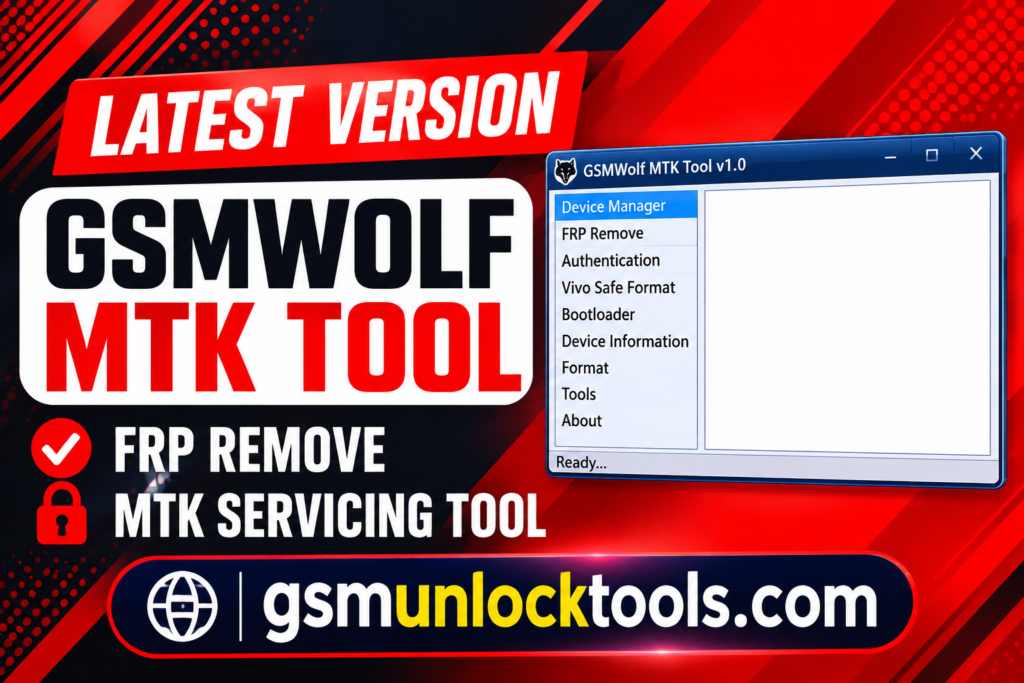
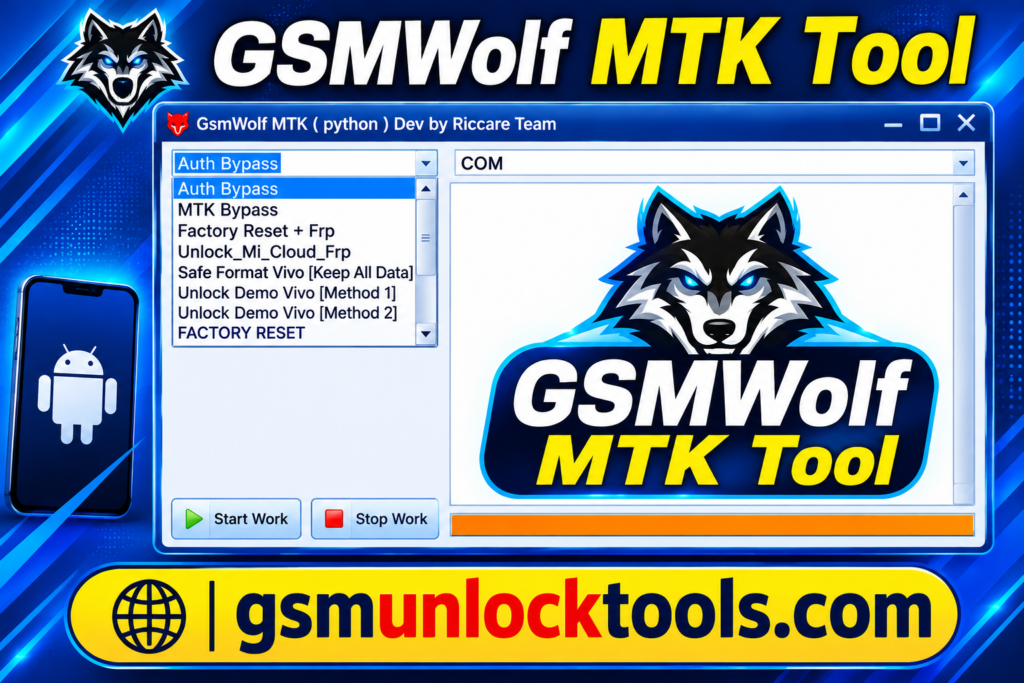
GSMWolf MTK Tool is a Windows-based mobile servicing utility designed for compatible MediaTek Android devices. It offers various maintenance and servicing functions, including supported FRP-related operations, authentication workflows, bootloader management, and device formatting options. Compatibility may vary depending on the tool version, device model, chipset, Android version, and security patch. It is mainly intended for technicians working with supported MediaTek smartphones.
Key Features of the GSMWolf MTK Tool
MediaTek Device Support
The tool works with compatible MediaTek Android smartphones and tablets.
Its support and functions depend on the device model and chipset configuration.
Device Information
The tool helps read supported device details and connection information. This can help technicians identify a device before performing servicing tasks.
Authentication Support
The tool includes authentication-related workflows for compatible MTK devices. Requirements may vary depending on the device’s security configuration.
Device Formatting
The tool provides formatting functions for supported software servicing tasks. The correct operation is selected carefully to avoid unnecessary data loss.
Offline Functionality
The tool Supports selected servicing workflows without a constant internet connection. This can be useful for technicians working in offline environments.
Windows-Based Interface
The tool provides a simple Windows interface for supported MTK servicing tasks. Compatible MediaTek USB drivers are required for proper device detection.
What’s New in the GSMWolf MTK Tool?
- Added updated servicing options for compatible MediaTek devices.
- Improved MTK connection and device detection workflows.
- Added supported authentication-related servicing functions.
- Included FRP-related operations for selected compatible devices.
- Added support for Vivo Safe Format on supported models.
- Improved bootloader management options for compatible devices.
- Enhanced offline servicing functionality for supported operations.
- Updated compatibility for selected MediaTek chipsets and Android devices.
System Requirements
| Requirement | Details |
| Operating System | Windows 7, 8, 10, or 11 |
| Processor | Intel or AMD processor |
| RAM | 2 GB minimum recommended |
| Storage | At least 500 MB of free disk space |
| USB Connection | Working USB port and data cable |
| Drivers | Compatible MediaTek USB drivers |
How to Download & Install the GSMWolf MTK Tool?
- Download the GSMWolf MTK Tool from a trusted source.
- Extract the downloaded ZIP or RAR package.
- Install the required MediaTek USB drivers on your Windows PC.
- Open the extracted folder and launch the GSMWolf MTK Tool.
- Connect your compatible MediaTek device using a USB cable.
- Select the supported function required for your device.
- Follow the on-screen instructions and wait for the process to complete.
- Disconnect and restart the device when the operation finishes.
Pros & Cons
| Pros | Cons |
| Supports compatible MediaTek devices. | Limited to supported MTK models. |
| Multiple servicing functions in one tool. | Features vary by device and security version. |
| Includes bootloader and authentication options. | Advanced functions require technical knowledge. |
| Supports selected offline servicing workflows. | Correct USB drivers are required. |
| Simple Windows-based interface. | Incorrect operations may cause data loss or software issues. |
Also check: PL Tool V1.0 Free Download for Qualcomm and MediaTek [2027]
Conclusion
GSMWolf MTK Tool is a useful Windows-based utility for servicing compatible MediaTek Android devices. It offers various maintenance options, including supported authentication, bootloader, and device-servicing functions. Always check device compatibility and back up important data before using the tool.
FAQ’s
Which devices does GSMWolf MTK Tool support?
It is primarily designed for supported MediaTek smartphones and tablets. Compatibility depends on the device model, chipset, and Android security version.
Does GSMWolf MTK Tool require an internet connection?
Some reported functions can work offline, but requirements may vary depending on the tool version and selected operation.
Which operating systems support GSMWolf MTK Tool?
The tool is designed for Windows computers, including supported Windows 7, 8, 10, and 11 systems.
What should I do before using GSMWolf MTK Tool?
Install the required MediaTek USB drivers, verify device compatibility, and back up important data before performing any operation.

One Comment