Mr Auth Tool 2026: Ultimate FRP Removal & Xiaomi EDL Features
Locked devices, FRP errors, Mi Account restrictions, and authentication issues can slow down Android servicing. MR Auth Tool provides a better solution for Xiaomi FRP removal, OTP authentication, Sideloading, Fastboot, EDL, etc., on compatible devices, using a credit-based workflow for Xiaomi, Oppo, Realme, and OnePlus operations.
What is MR Auth Tool?
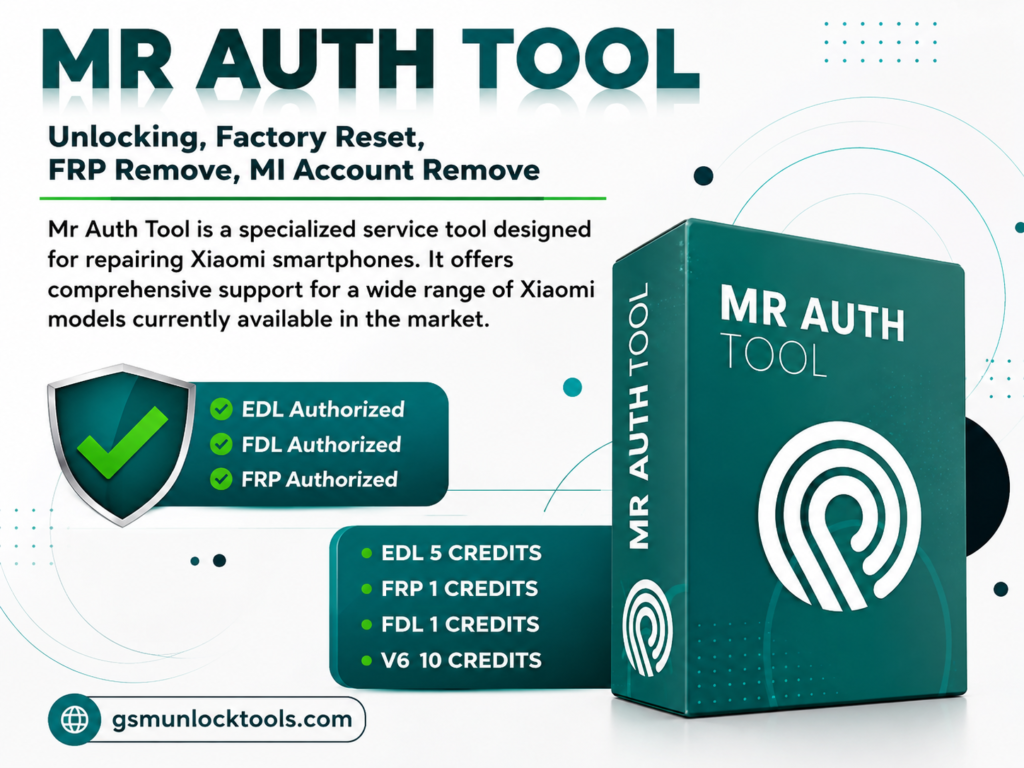
MR Auth Tool is a credit-based Android servicing solution designed for technicians handling device authentication and FRP tasks. It uses a registered account and operation-specific credits instead of a yearly license. The process includes OTG, Sideload Mode, and OTP authentication, depending on device compatibility and supported operations. Its user-friendly interface makes routine servicing easier for both beginners and experienced technicians, while the credit model lets users pay for the services.
Key Features Of MR Auth Tool
Server-Side OTP Generation
It generates server-based OTPs for Oppo, Realme, and OnePlus operations. The generated code is entered into the desktop tool to complete authentication for servicing tasks.
Remove Xiaomi FRP
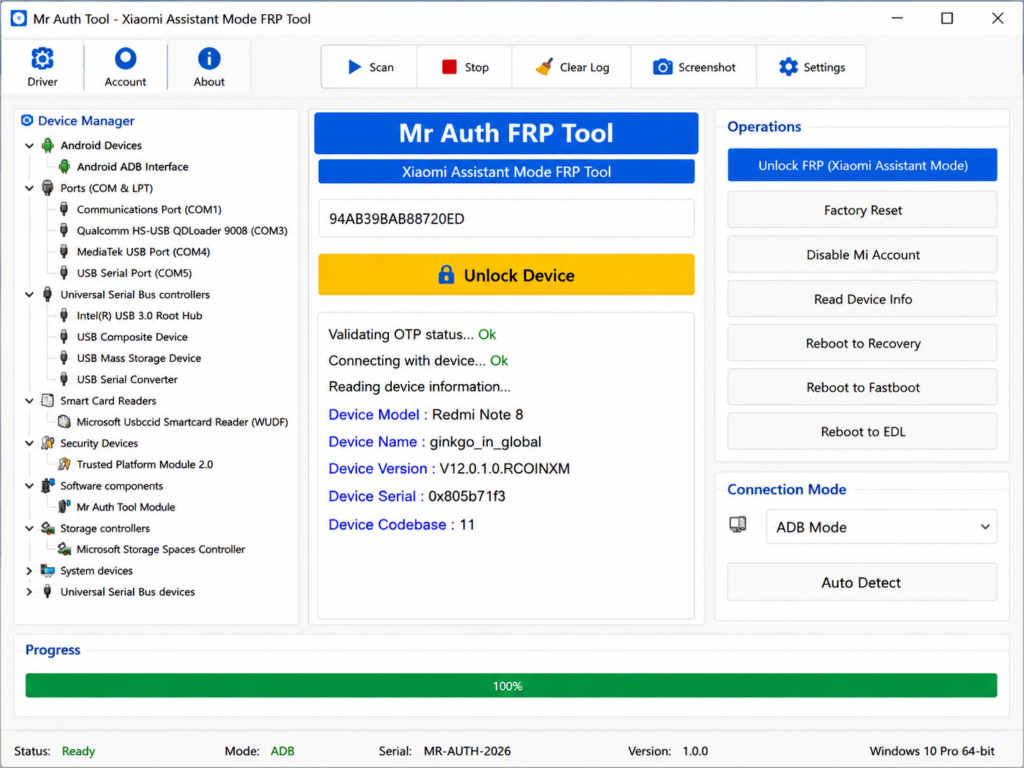
It can remove Xiaomi FRP protection on supported models through OTP authentication, allowing the device to proceed past the Google verification screen.
Sideload Mode Support
Supports Xiaomi Sideload Mode on compatible devices, allowing technicians to connect the phone and perform authentication or service operations.
Mi Account Service
The Mr auth Tool supports Xiaomi Mi Account servicing operations on compatible devices, helping technicians handle account-related device issues.
EFS Managemen
Supports EFS Read, EFS Write, and EFS Erase functions on compatible devices for EFS servicing and repair operations.
How to download and install the MR Auth Tool?
- Visit the MR Auth Tool official website to access the service.
- Keep another internet-connected Android smartphone ready.
- Link both phones through a compatible OTG cable.
- Put the Xiaomi device into Sideload Mode.
- Enter the valid OTP to authenticate the process.
- Select the desired repair or servicing function.
- Allow the process to complete without disconnecting the devices.
How Does the MR Auth Tool Work?
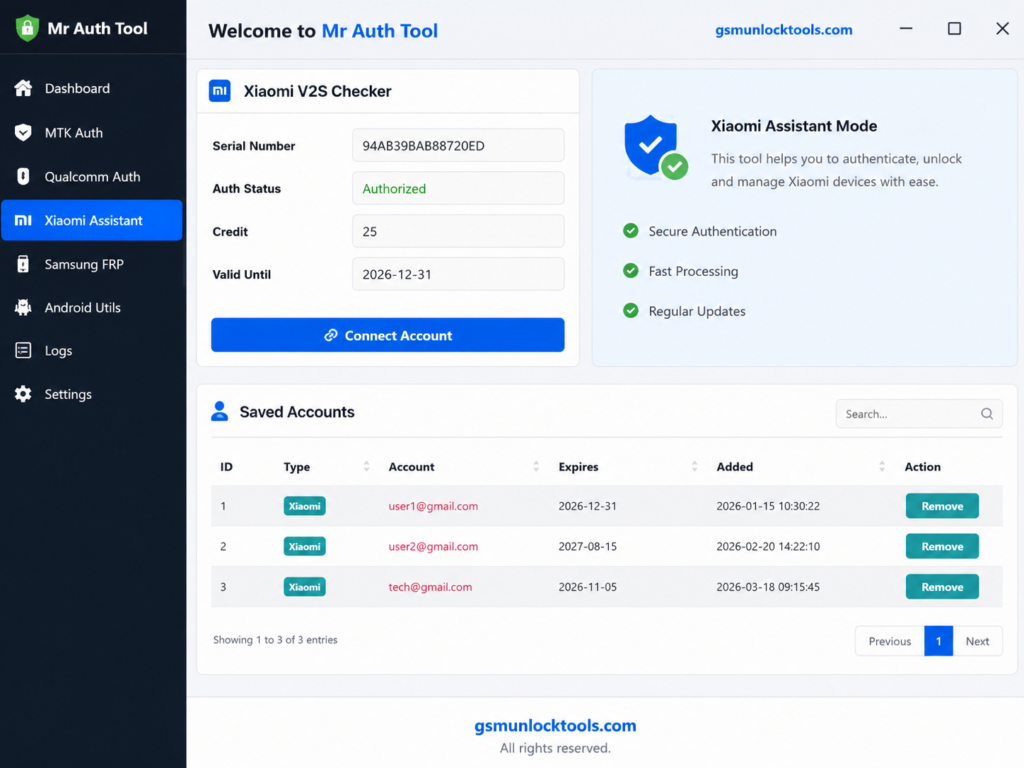
- Create an Account: Register an MR Auth Tool account with your basic login details.
- Check Server Status: Confirm that the required brand service is online before starting.
- Add Credits: Purchase the necessary credits because services operate on a credit-based system.
- Connect the Device: Put the supported phone into Fastboot, EDL, or Sideload/Recovery Mode as required.
- Select the Service: Open the compatible tool, detect the device, and choose the required operation.
- Complete Authentication: Enter the required OTP or server token to authorize the operation, then let the tool complete the process.
Download Information
| Information | Details |
| Package Size | Approximately 625 MB |
| Package Type | Multiple desktop application setups |
| O+ Tool | Oppo, OnePlus & Realme devices |
| Realme Tool | Selected older Realme models |
| Xiaomi Tool | Xiaomi device operations |
| Download Source | Official MR Auth Tool website |
| PC Platform | PC-based desktop software |
| Mobile Platform | Android devices |
| Connection Interface | Android ADB interface |
| Antivirus | May need configuration if it blocks tool communication |
Also check: Griffin Unlocker Tool Latest Version 2026 – Free Download & Features
Conclusion
MR Auth Tool is an Android servicing solution for technicians working with Xiaomi, Realme, Oppo, and OnePlus devices. Its key functions include Xiaomi FRP removal, Sideload Mode support, OTP authentication, Mi Account servicing, and EFS management on compatible models. The credit-based system provides access to specific services without a traditional yearly activation. For supported devices, its OTG and server-based workflow offers a practical approach to authentication and routine mobile servicing.
FAQ’s
What is the MR Auth Tool used for?
MR Auth Tool is mainly used for supported Xiaomi FRP, EDL authorization, flashing, Mi Account, and EFS-related servicing operations.
Does the MR Auth Tool require credits?
Yes. MR Auth Tool uses a credit-based system, with credits deducted according to the selected service.
Does it support every Xiaomi model?
No. Compatibility depends on the supported model, hardware, software version, and available server service.
What happens if the required server is offline?
The operation may not be available until the relevant MR Auth server comes online. Server status can change, so checking availability before starting is important.
Can the MR Auth Tool perform Xiaomi FRP operations?
Yes, supported services include Xiaomi FRP removal, including server-based FRP services when the required server is online.
![BMB Tool Pro V7.0 Free Setup Download Latest Version [2026]](https://gsmunlocktools.com/wp-content/uploads/2026/09/bmb-tool-pro-v7-0-768x576.png)