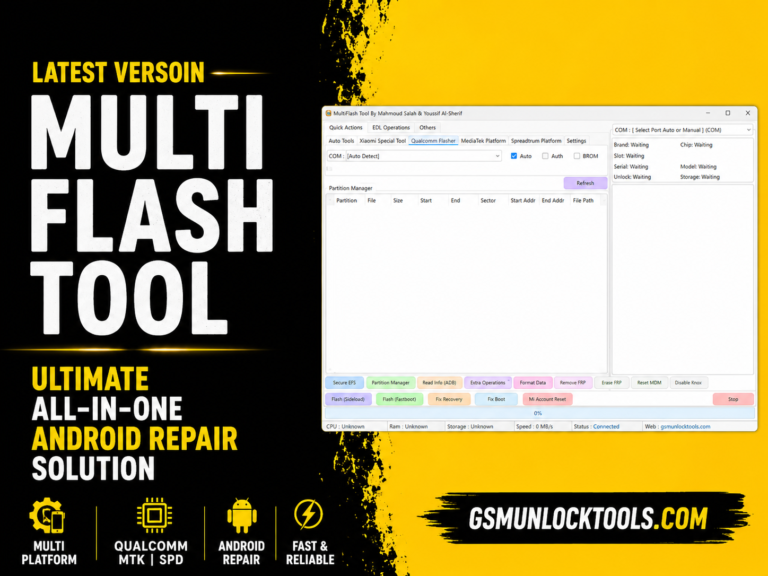
TSM Tool Pro v2.4.1 Download 2026 – Complete Android Repair & Unlock Solution
Are you struggling with FRP locks, forgotten screen passwords, boot loops, firmware issues, or MDM restrictions on Android devices?. The TSM Tool Pro provides a comprehensive Android servicing solution that enables technicians to perform FRP bypass, screen lock removal, firmware flashing, IMEI repair, factory reset, and device maintenance from a single platform. With support for ADB, Fastboot, EDL, MediaTek, Qualcomm, and Unisoc devices, the TSM Tool simplifies complex repair tasks, helping to restore devices quickly and efficiently.
What is the TSM Tool Pro?
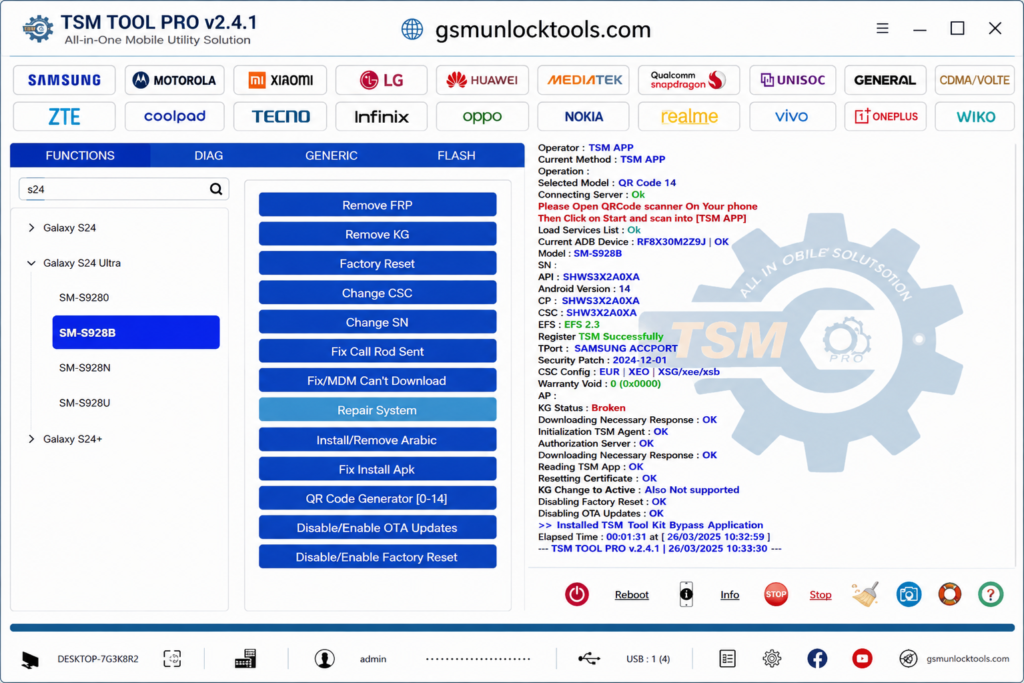
TSM Tool is a Windows-based Android servicing tool that helps repair, unlock, and maintain smartphones. It works through ADB, Fastboot, Download Mode, EDL Mode, and other chipset-specific communication methods to perform software servicing tasks. The tool supports Android maintenance operations such as FRP removal, firmware flashing, screen lock reset, factory reset, bootloader management, and device diagnostics on compatible devices. It has a lightweight interface, stable performance, and support for multiple Android brands.
Key Features of the TSM Tool Pro
Complete System Repair Solution
TSM Tool offers a wide range of Android repair capabilities, including FRP Bypass, Screen Unlock, Firmware Flashing, IMEI Repair, MDM Removal, Bootloader Operations, Software Repair, and Factory Reset. These capabilities make your daily repair work fast and easy.
ADB & Fastboot Support
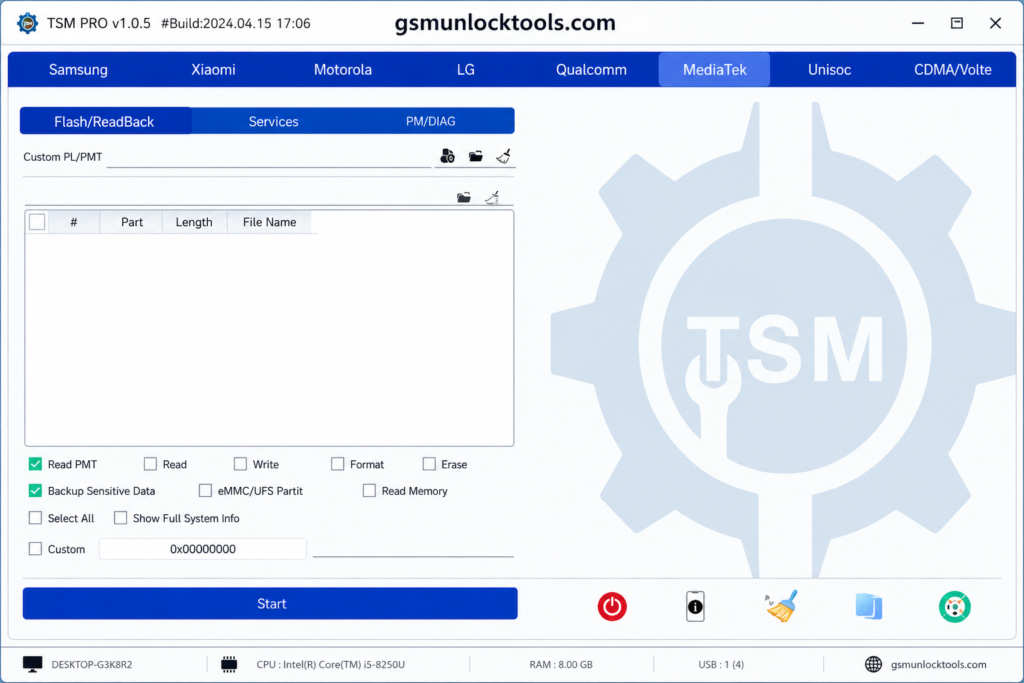
TSM Tool supports multiple Android communication modes, including ADB, Fastboot, Download Mode, EDL, and SPD/Unisoc service mode. These interfaces enable technicians to perform tasks such as device detection, firmware flashing, FRP removal, bootloader operations, and system diagnostics.
Screen Lock Removal
When users forget their passwords and don’t want to remove data. The TSM Tool helps technicians safely remove security passes such as PIN, Password lock, Pattern lock, and Screen Security Lock.
FRP Bypass
TSM Tool helps remove Factory Reset Protection (FRP) on Android devices after a factory reset when Google account verification prevents access. It supports FRP servicing for models like Samsung, Xiaomi, Redmi, POCO, Motorola, OPPO, vivo, and Huawei, depending on the device, Android version, and available service mode.
Firmware Flashing
TSM Tool supports firmware flashing on Android devices. It can help repair boot loops, startup failures, and software corruption. This feature is useful for returning devices to a stable and functional state after software-related problems.
Lightweight Software
The software is lightweight, making it beneficial for technicians because they operate with various software at the same time; that’s why lightweight software makes the process easier and faster.
User-friendly interface
This feature is necessary for every software because usually it is operated by people with no prior knowledge or beginners; that’s why a tool must be user-friendly. TSM tool is also one of them; its user-friendly interface makes it an ideal tool for beginners.
What’s New in TSM Tool Pro v2.4.1?
- Updated to the latest V2.0.3 version.
- Added the Remove KG feature.
- Added Samsung QR Code support for Android 14.
- Added MediaTek Protocol V6 support.
- Added Samsung Remove MDM/KG via EDL + ADB and QR Code.
- Fixed MDM “Can’t Download OneClick EDL Mode” issue.
- Added the OnePlus Open Diag Menu feature.
- General improvements and bug fixes.
- Added Xiaomi FRP removal via Sideload.
Supported Brands & Models by TSM Tool Pro
TSM Tool supports a wide range of devices from 50+ brands; some of them are given below.
- Samsung
- Xiaomi, Redmi, POCO
- Oppo, Realme, OnePlus
- Huawei, Honor
- Tecno, Infinix, Itel
- Vivo, Nokia, Motorola
System Requirements for TSM Tool
| Component | Minimum Requirement |
| Operating System | Windows 7, Windows 8, Windows 10, Windows 11 |
| Processor | Intel Dual-Core or AMD Dual-Core Processor (or higher) |
| RAM | 4 GB Minimum (8 GB Recommended) |
| Storage | At least 1 GB Free Disk Space |
| USB Drivers | Android USB Drivers Installed |
| USB Cable | Compatible USB Data Cable |
| Permissions | Administrator Privileges Required |
Also Check: Auth Flash Tool V1.2: Bypass MTK Authentication and Flash Firmware Easily
How to Download TSM Tool v2.4.1?
- Download the TSM Tool from a trusted official Website.
- Disable your antivirus temporarily.
- Run the setup file and install the tool.
- Install the required USB drivers.
- Open the tool and create a free account.
- Log in with your account details.
- Connect your Android device via USB.
- Start using TSM Tool Pro for FRP, flashing, and unlocking.
Download Information for TSM Tool v2.4.1
| Property | Details |
| File Name | TSM Tool |
| File Version | V2.4.1 |
| File Type | ZIP / RAR Compressed File |
| File Size | 199.71 MB |
| Extraction Tool | WinRAR or 7-Zip |
| Password | None |
Conclusion
TSM Tool is a Windows-based Android servicing tool for software repair tasks on supported smartphones. It works with ADB, Fastboot, Download Mode, and EDL Mode to perform operations such as firmware flashing, FRP removal, screen lock reset, and MDM management on devices. TSM Tool provides a reliable solution for mobile technicians who need fast, efficient, and stable device servicing by supporting popular Android brands.
FAQ’s
Is the TSM Tool free to use?
Yes. TSM Tool v2.4.1 is available as a free Windows-based Android servicing tool. However, some advanced functions may depend on the device model or supported service method.
Does the TSM Tool support Android 14 and Android 15?
Yes. Recent TSM Tool updates include support for selected Android 14 and Android 15 devices, with new servicing functions added for compatible Samsung, Motorola, and other supported models.
Does the TSM Tool support Qualcomm and MediaTek devices?
Yes. TSM Tool works with multiple Android chipsets, including Qualcomm, MediaTek (MTK), Unisoc (SPD), and Samsung Exynos, depending on the supported model and service mode.
Does the TSM Tool support Samsung devices?
Yes, it supports many Samsung models for various repair operations.
What is a TSM server?
IBM Storage Protect (formerly IBM Spectrum Protect or Tivoli Storage Manager) is a platform for backup, recovery, and centralized data protection management.