Phantom Tool V1.0 Free Download: Latest Version [2026]
Working with modern devices powered by MediaTek or Qualcomm chipsets can result in software bugs, freezes, and signal issues. Phantom Tool is lightweight, fast Windows software that fixes problems easily.
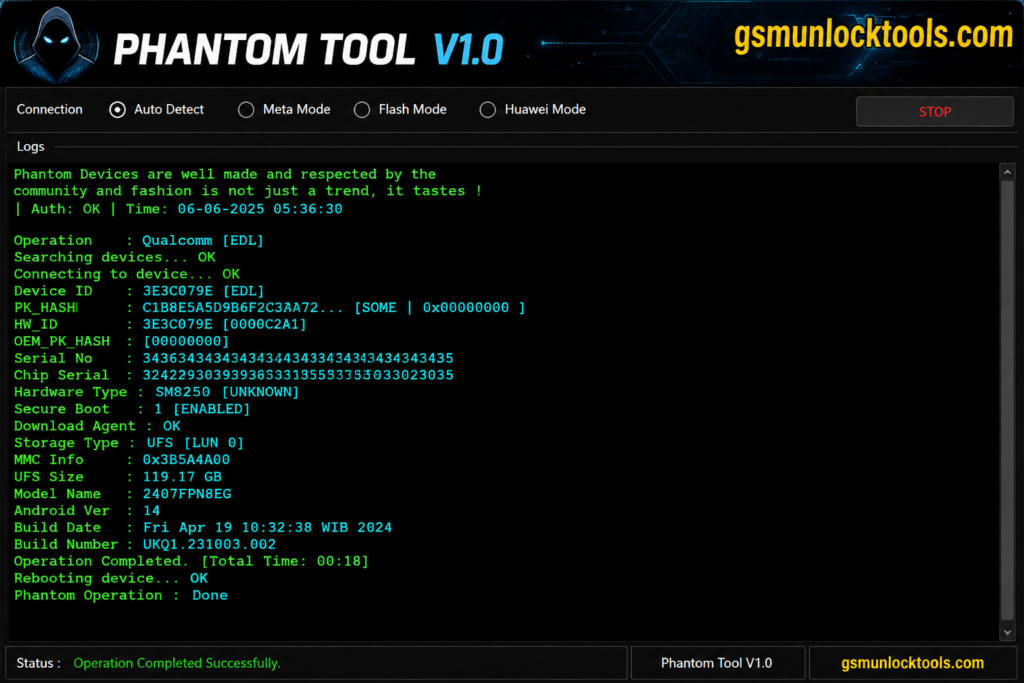
What is Phantom Tool?
Phantom Tool is a Windows-based software designed for Android smartphone repair, firmware flashing, and bootloader servicing. It enables users to bypass FRP, repair a damaged phone, and change system storage without opening the hardware.
Key Features of Phantom Tool
Qualcomm EDL
Phantom Tool uses EDL Client in EDL mode to flash stock firmware, wipe user data, bypass Xiaomi Mi Account, and clear FRP.
MediaTek Flashing
Phantom Tool is powered by MTKClient for direct BROM and Preloader access to flash stock ROMs, format chips, and service RPMB V5/V6.
Security Bypass
Phantom Tool bypasses MTK SLA/DAA and SBC protection without a hardware test.
Bootloader Control
Phantom Tool provides one-click Bootloader Unlock/Relock and instant FRP bypass for Android 12 to 15.
Partition Manager & EXT4 File System
Phantom Tool manages GPT partitions and EXT4 file systems with read, dump, format, and restore options. It is useful for troubleshooting boot loops, software errors, and supported soft-brick issues.
FRP & Screen Lock Removal
Phantom Tool offers FRP and screen-lock servicing through supported ADB, Download, Test, and Emergency modes. Supports compatible devices for PIN, pattern, password, and FRP-related servicing.
What’s New in Phantom Tool?
- Advanced Qualcomm EDL Support
- Enhanced MediaTek Support
- Improved Security Servicing
- Advanced Partition Management
- Better Device Servicing
- QCN Backup & Restore
- Meta Mode Support
- Live Logging & Diagnostics
Pros & Cons
| Pros | Cons |
| Supports Qualcomm EDL, MediaTek BROM, Fastboot, Meta Mode, and partition servicing in one tool. | Windows-based; some advanced functions may depend on the device model, chipset, and security level. |
| Includes advanced features such as EFS/QCN backup, IMEI servicing, FRP tools, and partition management. | Incorrect flashing, formatting, or partition operations can cause data loss or potentially brick a device. |
| Expanded device compatibility, with support reported for 1,800+ models, along with improved servicing for Xiaomi tablets, MTK, and Qualcomm devices. | Compatibility and available functions can vary across firmware versions and individual devices. |
How to Download Phantom Tool?
- Download Phantom Tool v1.0.
- Click on the download link.
- Wait for the download to complete.
- Extract all files to your Desktop.
- Open the extracted folder.
- Enable USB debugging when using ADB functions.
- Open the tool that is downloaded.
- Run the tool’s admin.
- The tool will open on your PC screen.
- Enjoy using the tool.
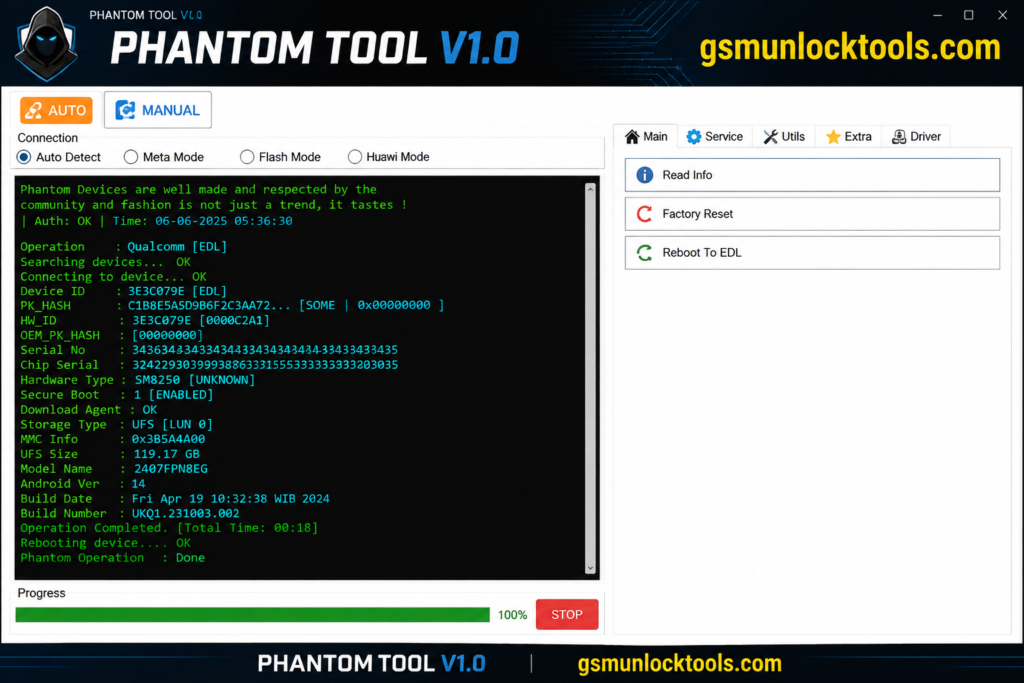
System Requirements
| Requirement | Minimum |
| OS | Windows 7 / 8 / 10 / 11 |
| Architecture | 32-bit / 64-bit |
| RAM | 2 GB |
| NET Framework | 4.0+ |
| Processor | 1 GHz or higher |
| Connection | USB Port for Android Device |
| Permissions | Administrator Access |
Also check: SSM Tool V1.0.0.3 Free Download Latest Version [2026]
Conclusion
Phantom Tool is a solution for Android users. With features such as FRP bypass, firmware flashing, partition management, and bootloader unlocking, it combines multiple tools into a single, reliable package. It’s tested, stable, and works on both MediaTek and Qualcomm devices, making it one of the best free tools available for Android servicing.
FAQ’s
Do I need to be a Discord admin to add Phantom?
Yes, the invite link needs someone with the Manage Server permission to add Phantom to the server. After that, any admin you configure can sign in to the dashboard.
Is Phantom ready for big servers?
Yes. Phantom is fully launched. Add the bot, open the dashboard, set up your modules, and run with it. We ship new modules and improvements continuously, shaped by what real servers actually need.
Can I use Phantom alongside other bots?
Yes. Most servers find that Phantom replaces a few of their other bots over time, but that’s up to you.
Do I have to connect my email to use Phantom?
Yes, but you are not sharing your password. Phantom uses authorized access to connect to your email. This means you sign in through your email, and they permit Phantom to send on your behalf. We never see or store your password.
![Sony Flash Tool V0.9.36.0 Free Download Latest Version [2026]](https://gsmunlocktools.com/wp-content/uploads/2026/09/Sony-Flash-Tool-V0.9.36.0-768x576.png)