SSM Tool V1.0.0.3 Free Download Latest Version [2026]
When technicians have to use different tools for different tests, finding hardware problems on Android phones can take a lot of time. SSM Tool solves this problem. It helps users check their device hardware, find common problems, and complete useful Android service tasks quickly, making mobile repair easier and more efficient. This tool helps solve major problems on Android phones.
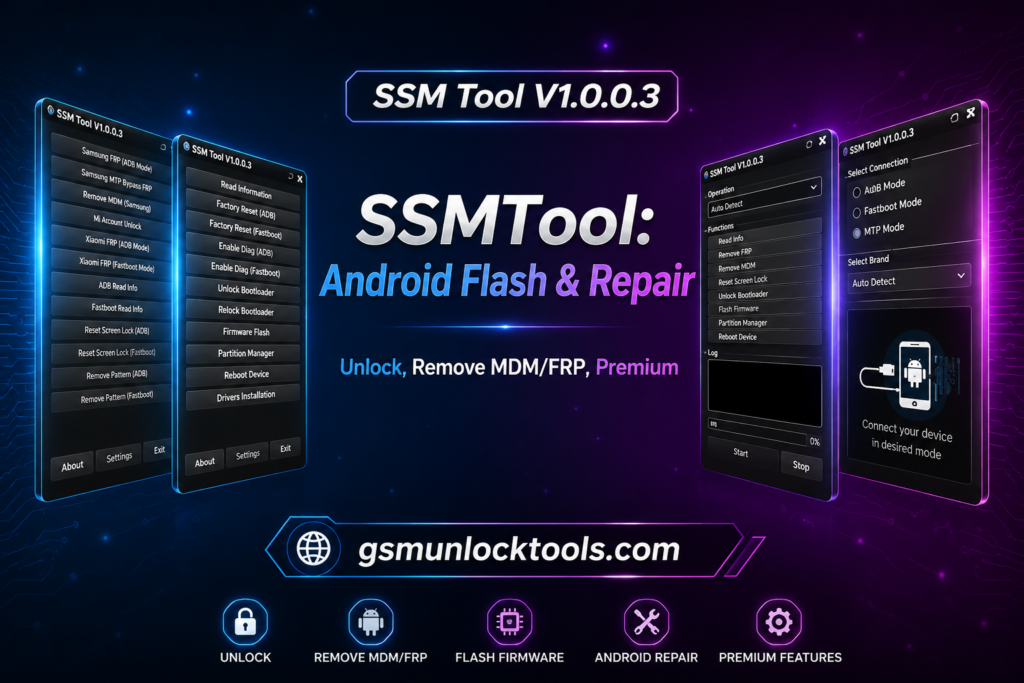
What is the SSM Tool?
SSM Tool is a Windows-based Android servicing software. It is a mobile unlocking and firmware flashing tool that allows technicians to interact with Android devices via system communication modes such as ADB, MTP, and device reboot commands. The tool also supports functions such as device diagnostics, firmware flashing, KG status checks, MDM-related operations, and other device information.
Key features of SSM Tool
KG Status Check
You can check the current Knox Guard (KG) status of the connected Android device. This helps technicians know whether the device is locked or unrestricted.
Firmware Flashing
Flash official Android firmware files to repair software problems or restore the device. It supports firmware installation through Odin functions.
Factory Reset Disable
Disable the Factory Reset function through supported ADB operations. This helps manage device security during servicing.
Device Information
Read important device details like model number, firmware version, and security patch level. This information helps identify the correct repair method.
ADB Operations
Perform different Android service functions using ADB (Android Debug Bridge) mode. It allows the tool to communicate directly with the device.
Enable ADB
Enable ADB on supported devices using available methods. This gives access to advanced Android service functions.
Reboot Device
Reboot the connected Android device into different modes when needed. It helps switch between service operations quickly.
Diagnostic Functions
View device information and use built-in diagnostic functions for troubleshooting. This helps technicians understand the device before starting the repair.
What’s new in SSM Tool?
- Updated Samsung KG Support
- KG Status Check via ADB
- KG Remove Support for Android 14–15
- Updated ADB & MTP Methods
- Android 14–15 FRP Operations
- Improved IT Admin & MDM Support
- Xiaomi/Redmi MDM Support
- HyperOS IT Admin Support
- Improved Samsung Odin Flashing
- Factory Reset Disable Function
- Updated Security Handling
- Improved Tool Stability
Pros & Cons
| Pros | Cons |
| Supports Samsung, Xiaomi, ADB, Fastboot, and other useful Android service functions in one tool. | Windows only, and some features may require specific device access or permissions. |
| Includes useful features for firmware, device management, and Android servicing. | Some newer security updates may require updated tool versions for proper support. |
| Supports different servicing methods for Samsung and Xiaomi devices. | Some advanced functions may require additional drivers or setup before use. |
How to Download SSM Tool?
- Download SSM Tool V1.0.0.3.
- Find The Download Page And Click On The Download Link.
- Wait For The Download To Complete.
- Locate The Downloaded File On Your Device Once The Download Is Finished.
- Enable USB Debugging when using ADB functions.
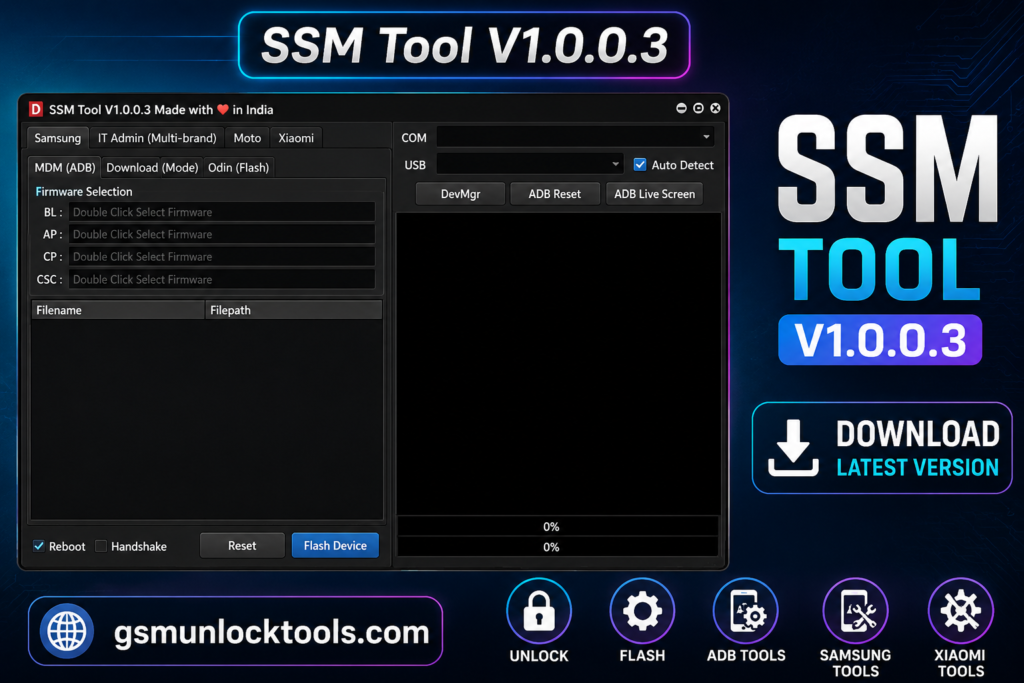
System Requirements
| Requirement | Minimum |
| OS | Windows 7/8/10/11 |
| Architecture | 32-bit / 64-bit |
| RAM | 2 GB |
| Processor | Intel/AMD Dual-Core or better |
| NET Framework | 4.0+ |
| Drivers | Required Android USB Drivers |
| Connection | USB Port for Android Device |
Also check: Hydra Tool v2026.3.21.0 Download Latest Setup [2026]
Conclusion
SSM Tool is a useful Android servicing software for mobile technicians to handle different repair and servicing tasks. The tool supports functions such as device diagnostics, firmware flashing, KG status check, MDM-related operations, and other device information. This tool helps to solve major problems in Android phones.
FAQ’s
Which modes does SSM Tool support?
It supports communication methods like ADB, MTP, and firmware-related modes.
Does SSM Tool support Samsung devices?
Yes, it provides features related to Samsung device diagnostics and KG status checking on supported models.
Is SSM Tool suitable for beginners?
Yes, because its interface organizes complex processes into clear options that help beginners learn servicing workflows.
What is firmware flashing in SSM Tool?
Firmware flashing installs or restores device software, helping resolve system issues or update operating systems.
Why is KG status important?
KG status indicates device security restrictions and helps technicians understand whether certain operations are allowed.


![Xiaomi Tool V2026.01.18 Free Download Latest Version [2026]](https://gsmunlocktools.com/wp-content/uploads/2026/09/xiaomi-tool-v2026-01-18-768x576.png)