
Android Utility Tool V200.01.0001 Free Download Latest Version [2026]
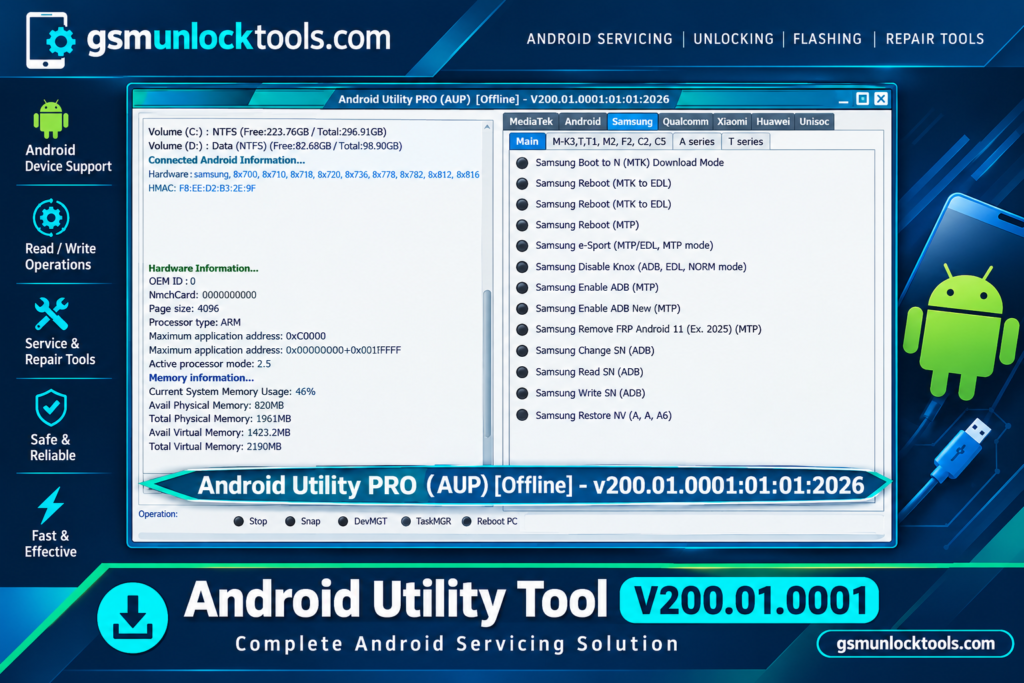
When an Android phone gets stuck in a boot loop, encounters firmware errors, or needs a factory reset or software repair, Android Utility Tool offers a Windows-based solution. It supports Samsung, Huawei, Xiaomi, MediaTek, Qualcomm, and UniSoC. It features firmware flashing, factory reset, FRP servicing, boot repair, and device maintenance.
What is the Android Utility Tool?
Android Utility Tool is a Windows-based tool. It is designed for mobile technicians and users. The tool offers functions such as firmware flashing, factory reset, FRP servicing, boot repair, and device maintenance. It supports selected Samsung, Huawei, Xiaomi, MediaTek, and Qualcomm devices.
Key Features of the Android Utility Tool
Qualcomm Device Support
Android Utility Tool provides selected servicing functions for compatible Qualcomm-powered devices. Available features depend on the device model and supported connection mode.
UniSoC Support
The tool includes selected operations for UniSoC and Spreadtrum devices. Support may include firmware-related servicing and maintenance functions for compatible models.
Device Information
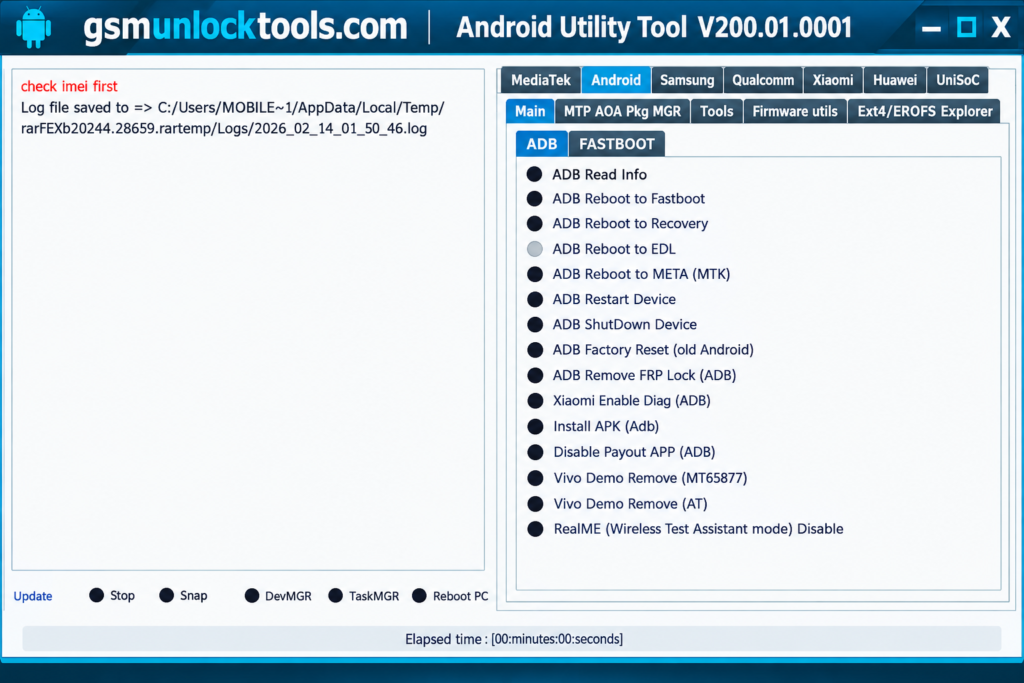
Supported connection modes allow the tool to read certain device details. This information can help technicians identify a connected phone before selecting a maintenance operation.
META Mode Operations
META mode utilities are available for selected MediaTek devices. Supported operations may include maintenance and diagnostic functions, depending on the device and release.
What’s new in the Android Utility Tool?
- Updated MediaTek Device Support
- Improved Firmware Flashing
- Enhanced Samsung Device Compatibility
- Updated Qualcomm Servicing Options
- Additional UniSoC Device Support
- Improved Device Detection
- Updated ADB and Fastboot Functions
- Enhanced META Mode Operations
- Additional Firmware Maintenance Options
System Requirements
| Requirement | Details |
| OS | Windows |
| Processor | Compatible Intel or AMD processor |
| RAM | 4 GB recommended |
| Storage | Sufficient space for the tool and firmware files |
| USB Connection | Required |
| Drivers | Compatible Android USB drivers |
How to Download & Install the Android Utility Tool?
- Download the Android Utility Tool from a trusted source.
- Click on the download link.
- Wait until the download is complete.
- Extract all files to your Desktop.
- Open the extracted folder.
- Enable USB debugging when using ADB functions.
- Open the downloaded tool.
- Run the tool as admin.
- The tool will open on your PC screen.
- Enjoy using the tool.
Pros & Cons
| Pros | Cons |
| Combines multiple Android servicing functions | Some features support only specific devices |
| Supports selected MTK, Qualcomm, and UniSoC platforms | Compatibility varies by chipset and model |
| Includes selected Samsung utilities | Features may depend on Android version and security patch |
| Provides ADB and Fastboot functions | Requires compatible drivers |
| Offers device information and diagnostic options | Some operations can erase personal data |
| Includes firmware-related functions | Incorrect firmware can cause software problems |
| Receives device-support updates | Official documentation may be limited |
| Useful for mobile servicing workflows | Advanced features may require technical knowledge |
Also check: ASUS Flash Tool 3.2.10 Free Download For Windows Latest Version [2026]
Conclusion
Android Utility is a multi-brand Android servicing tool. It is designed to help users handle firmware flashing, factory reset, FRP servicing, and software-related issues on supported devices. With updated Samsung MTP support, MediaTek META repair, ADB functions, and Motorola UniSoC servicing options, it brings several useful repair features into one Windows application.
FAQ’s
Does Android Utility Tool support MediaTek devices?
Yes, it offers selected MediaTek servicing functions, including supported META mode and BootROM operations.
Can Android Utility Tool work with Qualcomm devices?
Yes, it supports selected Qualcomm devices and servicing functions, depending on the model and tool version.
What is META Mode in Android Utility Tool?
META Mode is a special communication mode used by certain MediaTek devices for supported diagnostic and servicing operations.
Can Android Utility Tool read device information?
Yes, supported functions can display certain device details to help technicians identify a connected phone.
Does Android Utility Tool support ADB functions?
Yes, it includes selected ADB-related options for compatible devices when the required connection settings are available.
![IMEI Write Tool R3.0.0001 Free Download for Windows [2026]](https://gsmunlocktools.com/wp-content/uploads/2026/09/imei-write-tool-r3-0-0001-768x576.png)
One Comment