
Huawei FRP Tool v1.0 Free Download Fastboot Mode Latest Version [2026]
If your Huawei or Honor phone is locked out after a factory reset. Huawei FRP Tool is a Windows-based mobile servicing utility designed to help with FRP troubleshooting on compatible Android devices. It offers supported functions such as reading device information, factory reset, and recovery-related operations, depending on the device model, chipset, firmware, and security level.
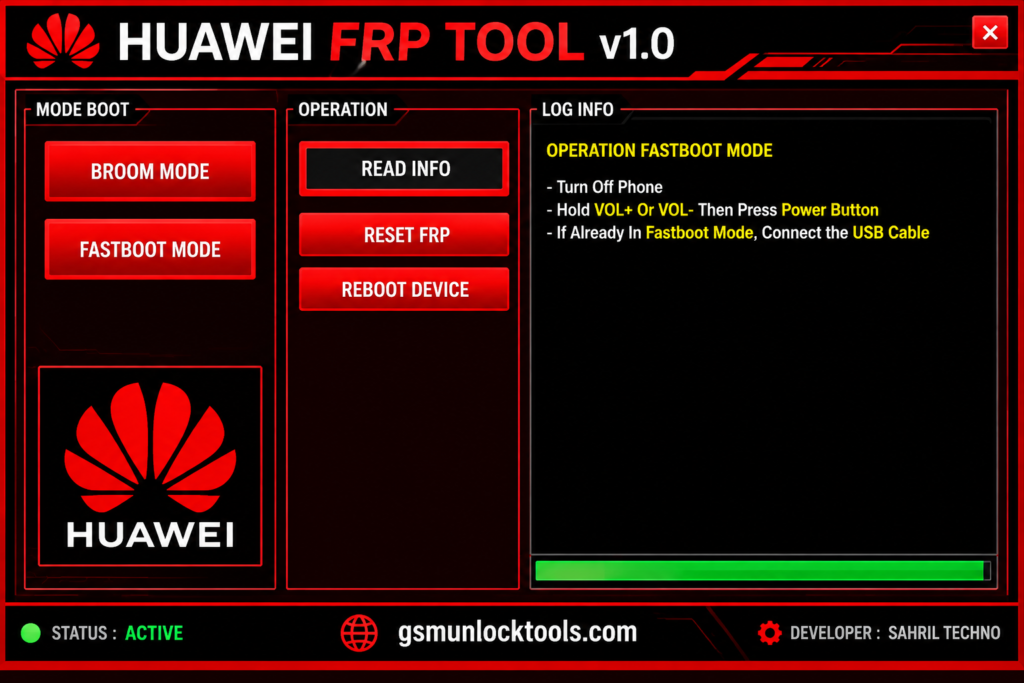
What is the Huawei FRP Tool?
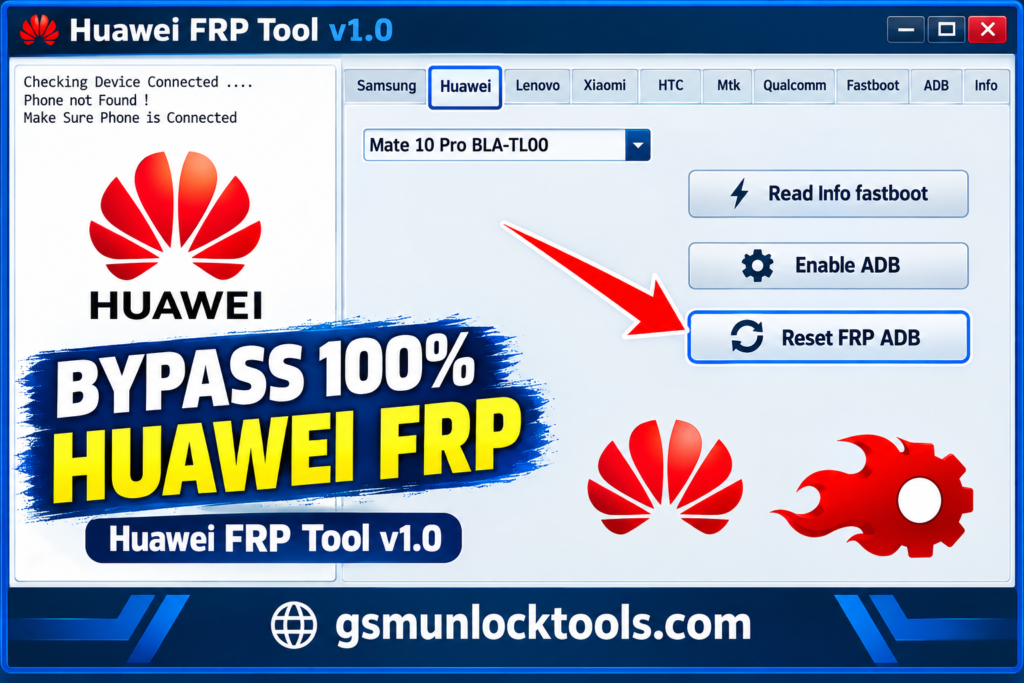
Huawei FRP Tool is a Windows-based mobile servicing tool. It is designed to fix FRP on compatible Huawei and Honor Android devices. Huawei FRP Tool offers device servicing functions such as reading device information, performing supported factory resets, and accessing recovery-related operations. Certain models may support specific connection methods, including ADB or Fastboot.
Key Features of the Huawei FRP Tool
FRP Troubleshooting
Huawei FRP Tool is designed for FRP troubleshooting on compatible Huawei and Honor Android devices. The operations depend on the device model and security level.
Read Device Information
The tool may allow users to view basic device information for supported models, helping them identify a connected device before performing service operations.
Factory Reset Support
Certain versions support a factory reset function for compatible devices. A factory reset may erase personal data.
Recovery-Related Operations
The utility may provide access to selected recovery-related functions on supported Huawei and Honor devices, depending on the version and available connection options.
USB Driver Support
The downloadable package may include compatible USB drivers or setup instructions to help a Windows computer communicate with a supported Android device.
Windows-Based Interface
Huawei FRP Tool provides a desktop-based workflow for compatible Windows computers, allowing technicians to access supported device servicing functions from a PC.
What’s new in the Huawei FRP Tool?
- Compatibility with supported Huawei devices
- USB driver and connection support
- Device detection and servicing functions
- Windows operating system compatibility
- FRP-related troubleshooting options
- Installation and connection stability
System Requirements
| Requirement | Recommended specification |
| Operating system | Compatible Windows version |
| RAM | 2 GB or more |
| Storage space | Sufficient space for the utility and extracted files |
| USB drivers | Compatible Huawei or Android device drivers, if required |
| USB connection | Working USB port and data cable |
| Device compatibility | Supported Huawei model and software version |
| Security | Updated antivirus software |
How to Download & Install the Huawei FRP Tool?
- Download the Huawei FRP Tool from a trusted source.
- Click on the download link.
- Wait until the download is complete.
- Extract all files to your Desktop.
- Open the extracted folder.
- Enable USB debugging when using ADB functions.
- Open the downloaded tool.
- Run the tool as admin.
- The tool will open on your PC screen.
- Enjoy using the tool.
Pros & Cons
| Pros | Cons |
| Windows-based device servicing utility | Compatibility may be limited |
| May assist with supported FRP-related tasks | Exact feature set requires verification |
| Can use USB connectivity for device communication | Appropriate drivers may be required |
| Potentially useful for technicians | Third-party downloads may carry security risks |
| Available versions may be distributed free of charge | Newer security patches may not be supported |
Also check: QFIL Tool v2.0.3.5 Free Download for Windows Latest Version [2026]
Conclusion
Huawei FRP Tool is a Windows-based mobile servicing utility designed for FRP troubleshooting and selected servicing operations on compatible Huawei and Honor Android devices. Its features include reading device information, factory reset support, and recovery-related functions, depending on the device model and software version.
FAQ’s
Why is my Huawei phone not detected by the FRP Tool?
Huawei FRP Tool may not detect your phone because of missing USB drivers, a faulty cable, an unsupported connection mode, or an incompatible device.
Can Huawei FRP Tool switch a device from ADB to EDL mode?
Some Huawei servicing functions support switching supported devices between connection modes. However, ADB-to-EDL switching is not a universal feature.
What causes FRP lock on Huawei and Honor devices?
FRP is an Android security feature that may require verification of a previously used Google account after a factory reset.
Is Huawei FRP Tool suitable for mobile repair technicians?
Huawei FRP Tool may be useful for mobile repair technicians working with compatible Huawei and Honor devices. Its usefulness depends on the version and supported functions.
![BMB Tool Pro V7.0 Free Setup Download Latest Version [2026]](https://gsmunlocktools.com/wp-content/uploads/2026/09/bmb-tool-pro-v7-0-768x576.png)


One Comment