
TTA EDL Tool V1.0.4 Free Download for MI Account & EDL Repair [2026]
If you’re facing Mi Account, FRP, or user lock issues on your Xiaomi device. TTA EDL Tool brings essential mobile servicing features together in one Window. It supports EDL 9008 Firehose Loader selection, ADB, Fastboot, and device reset options. The tool also provides FRP-related operations and Fastboot options for supported devices. Download the TTA EDL Tool for free and access essential Xiaomi servicing functions in one place.
What is the TTA EDL Tool?
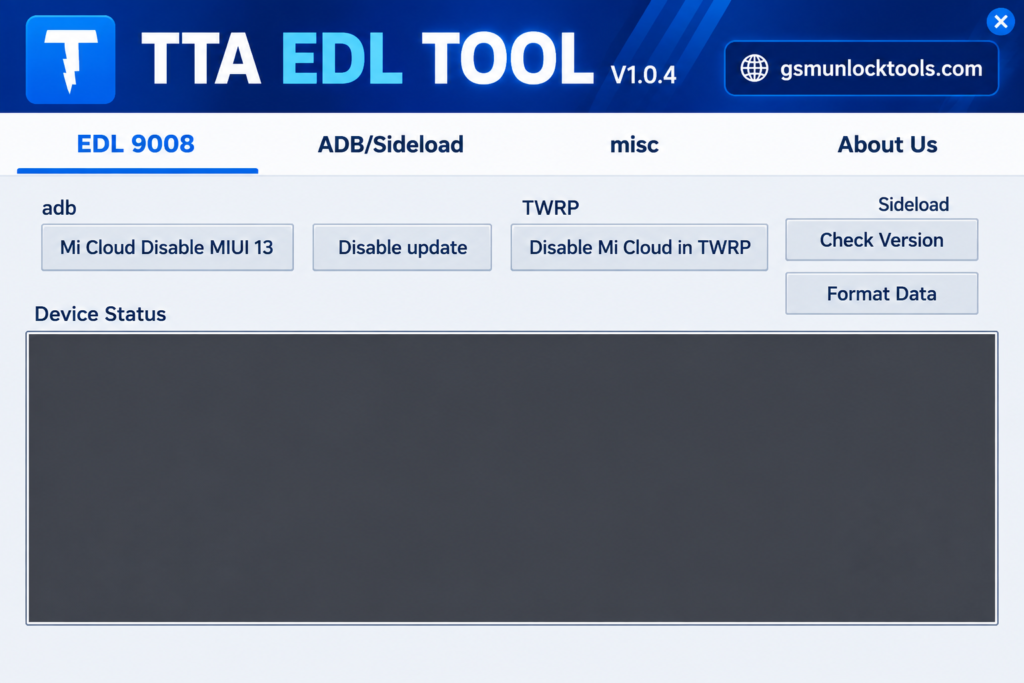
TTA EDL Tool is a Windows-based Android servicing tool. It helps users manage supported Xiaomi devices and perform various troubleshooting operations. It combines essential features such as Qualcomm EDL 9008 mode, manual Firehose Loader selection, ADB, and Fastboot functionality in one interface. The tool provides options for supported Mi Account and Mi Cloud servicing, FRP-related operations, User Lock resets, and device management.
Key Features of TTA EDL Tool
EDL 9008 Mode & Firehose Loader
It includes Mi Account and Mi Cloud-related servicing options for supported Xiaomi devices, with certain functions listed for MIUI 13.
FRP Reset Options
TTA EDL Tool provides FRP-related servicing functions for supported devices, depending on model and security restrictions.
User Lock Reset
It offers User Lock reset options, including Master Clear and Factory Reset, for compatible devices.
Built-in ADB & Sideload
TTA EDL Tool includes Android Debug Bridge (ADB) and Sideload functionality to support device management and servicing operations.
Fastboot Functions
This Tool provides Fastboot-related options for supported devices, including access to certain recovery and TWRP flashing functions.
Manual Loader Selection
It allows users to select the appropriate loader or Firehose file manually, helping match the servicing process to the connected device.
All-in-One Servicing Interface
TTA EDL Tool brings EDL, ADB, and Fastboot options together in one interface, making it convenient to access multiple Android servicing functions.
What’s new in the TTA EDL Tool?
- Updated Mi Account Servicing
- Manual Firehose Loader Selection
- User Lock Reset Options
- FRP-Related Functions
- ADB and Sideload Integration
- Fastboot Functionality
- MIUI 13 Support Claims
System Requirements
| Requirement | Details |
| OS | Windows |
| Processor | Intel / AMD |
| RAM | 4 GB recommended |
| USB | Compatible USB cable |
| Drivers | Qualcomm / ADB drivers |
| Loader | Compatible Firehose file |
How to Download & Install TTA EDL Tool?
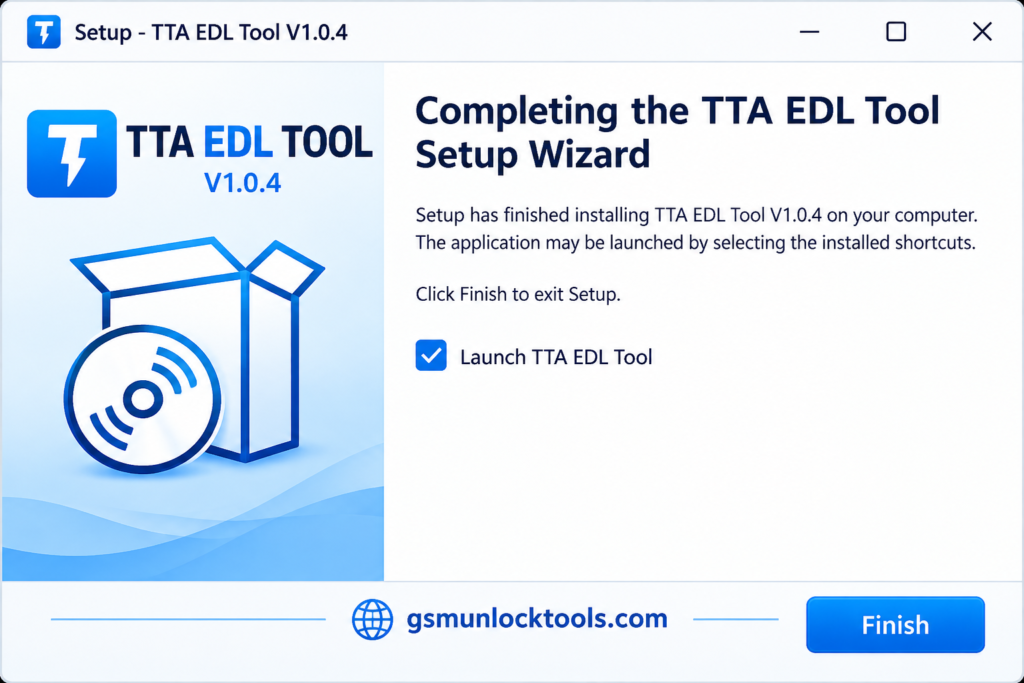
- Download TTA EDL Tool.
- Click on the download link.
- Wait until the download is complete.
- Extract all files to your Desktop
- Open the extracted folder
- Enable USB debugging when using ADB functions.
- Open the tool that is downloaded.
- Run the tool as admin.
- The tool will open on your PC screen.
- Enjoy using the tool.
Pros & Cons
| Combines EDL 9008, ADB, and Fastboot functions. | Limited compatibility across devices. |
| Offers manual Firehose Loader selection. | Requires a compatible loader file. |
| Includes User Lock reset options. | Reset operations may erase data. |
| Provides Mi Account and FRP-related features for supported devices. | Security restrictions may limit functionality. |
| Advertised as available for free download. | Download authenticity should be verified. |
Also check: Chigo Unlocker Tool V3.5 Free Download for Qualcomm & MediaTek
Conclusion
TTA EDL Tool V1.0.4 is a Windows-based Android servicing utility tool. It combines EDL 9008, Firehose Loader, ADB, and Fastboot features. With options for supported Xiaomi device servicing, FRP-related operations, and User Lock resets, it offers convenient access to multiple functions in one place. Before downloading, verify file safety, device compatibility, and loader requirements to ensure a smooth servicing experience.
FAQ’s
Does TTA EDL Tool support Xiaomi and Redmi phones?
Yes, the tool is advertised for selected Xiaomi and Redmi Qualcomm devices. Not every model is necessarily supported.
What is Qualcomm EDL mode?
Qualcomm Emergency Download Mode is a low-level device mode used for certain firmware recovery and servicing operations.
Can this tool reset FRP?
The tool can reset FRP for certain supported devices. Actual results depend on device compatibility and security restrictions.
Can TTA EDL Tool remove a Mi Account lock?
The tool offers Mi Account-related servicing features for selected devices. Support is not guaranteed for every model or software version.
What are the requirements to use the TTA EDL Tool?
You may need a Windows computer, compatible USB drivers, a suitable USB cable, and a supported device. Exact requirements depend on the tool version.
Can TTA EDL Tool fix a bricked Xiaomi phone?
It may help recover certain compatible devices affected by firmware problems. Recovery is not guaranteed, especially in cases involving hardware faults or security restrictions.


One Comment