Prime Tool V9.0 Full Setup Download: Latest Version [2026]
When a Samsung or Xiaomi phone gets stuck on the Google account verification screen after a factory reset, FRP, or other software issues. Prime Tool provides a simple Windows-based servicing solution for supported devices, with functions for FRP-related servicing, device detection, firmware flashing, and selected screen-lock and maintenance operations.
What is the Prime Tool?
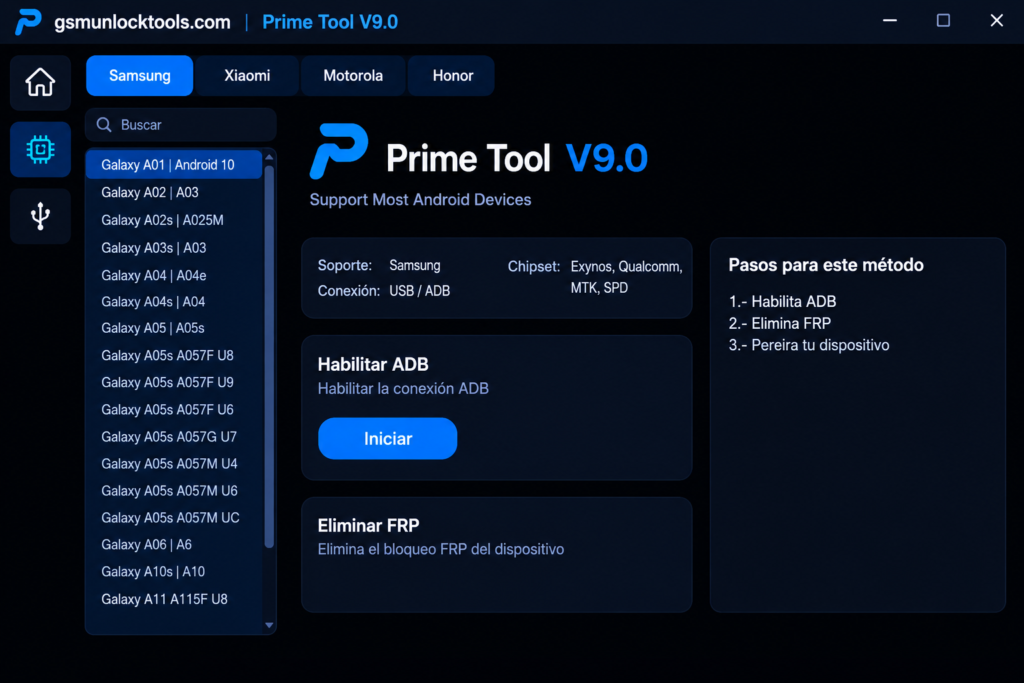
Prime Tool is a Windows-based tool. It is designed to help mobile technicians maintain supported Android smartphones, particularly Samsung devices. This Tool provides various servicing options to help address these issues. It supports selected Qualcomm and MediaTek devices and offers functions through connection methods such as MTP, Download Mode, and Qualcomm EDL.
Key Features of the Prime Tool
Samsung FRP Servicing
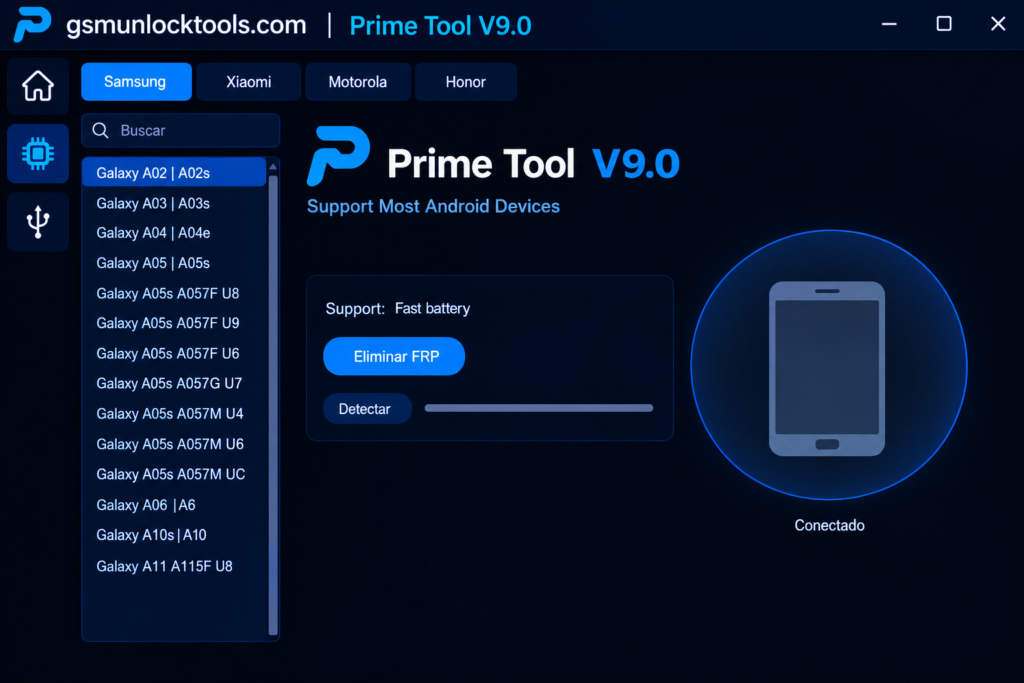
Prime Tool provides FRP-related servicing functions for supported Samsung Galaxy models. Available operations depend on the specific model and Android security level.
Qualcomm Support
The tool supports selected Samsung Qualcomm devices through the HS-USB QDLoader 9008 connection mode. Newer releases have improved Qualcomm device detection and connectivity.
MediaTek Support
PrimeToolX supports selected MediaTek devices through Preloader and BROM modes, providing servicing options for compatible models.
ADB Functions
The tool supports Samsung devices and can use ADB-related functions for device communication and selected servicing operations.
Driver Installation
It includes driver-related options for supported connection modes, helping Windows recognize compatible MediaTek and Qualcomm devices.
Factory Reset & Device Maintenance
The tool includes selected reset and maintenance functions that can help technicians troubleshoot supported Android software problems.
What’s new in the Prime Tool?
- Samsung Android 16 FRP support on supported models
- Improved Samsung Qualcomm support
- Qualcomm QDLoader 9008 connectivity without the older Zadig setup
- Additional Samsung model and security-bit support
- Improved device detection and stability
- Updated MediaTek servicing functions
- Built-in driver installation options
- Additional Motorola support in recent builds
System Requirements
| Requirement | Details |
| OS | Windows 7 / 8 / 10 / 11 |
| RAM | 2 GB minimum |
| Processor | Intel / AMD Dual-Core |
| Storage | 500 MB free |
| USB | Required |
| Drivers | Samsung / MTK / Qualcomm |
| Internet | Required for some functions |
How to Download & Install the Prime Tool?
- Download the Prime Tool from a trusted source.
- Click on the download link.
- Wait until the download is complete.
- Extract all files to your Desktop.
- Open the extracted folder.
- Enable USB debugging when using ADB functions.
- Open the tool that is downloaded.
- Run the tool as admin.
- The tool will open on your PC screen.
- Enjoy using the tool.
Pros & Cons
| Pros | Cons |
| Supports selected Samsung devices | Compatibility varies by model |
| Qualcomm and MediaTek support | Not every Android version is supported |
| Simple Windows interface | Requires compatible USB drivers |
| Supports multiple connection modes | Advanced operations require technical knowledge |
| Regular updates are reported | Third-party downloads may carry security risks |
| Supports selected Xiaomi and Motorola devices | Some functions may differ between versions |
Also check: UMT Tool v13.6 Download Setup 100% Working Solution [2026]
Conclusion
Prime Tool is a Windows-based Android servicing tool. It provides selected FRP, Qualcomm, MediaTek, ADB, driver, reset, and device-maintenance functions for smartphones. Recent releases have expanded support for newer Samsung Android versions and improved Qualcomm connectivity. Its main advantage is consolidating several servicing functions into a relatively simple interface.
FAQ’s
Can Prime Tool V9.0 remove Samsung FRP?
It includes FRP servicing functions for selected Samsung devices. FRP operations should only be performed on devices you own or are authorized to repair.
Does Prime Tool support MediaTek devices?
Yes, this tool provides selected MediaTek servicing functions through supported Preloader and BROM connection modes.
Does GSM Prime Tool support EDL mode?
Selected versions support Qualcomm EDL mode for compatible Qualcomm-powered devices and servicing operations.
Can GSM Prime Tool flash Samsung firmware?
Yes, supported versions include Samsung firmware flashing functions for compatible devices and firmware packages.