Ultra Unlock Tool v4.4.3 Download Setup for Android Devices [2027]
When you need to unlock supported Samsung devices or perform MediaTek servicing tasks. Ultra Unlock Tool is a mobile servicing utility that introduces Direct Unlock options through MediaTek BROM and ISP modes for selected Samsung devices. It is designed for compatible repair workflows. It helps technicians perform specific unlocking operations, with support depending on the device model and servicing method.
What is the Ultra Unlock Tool?
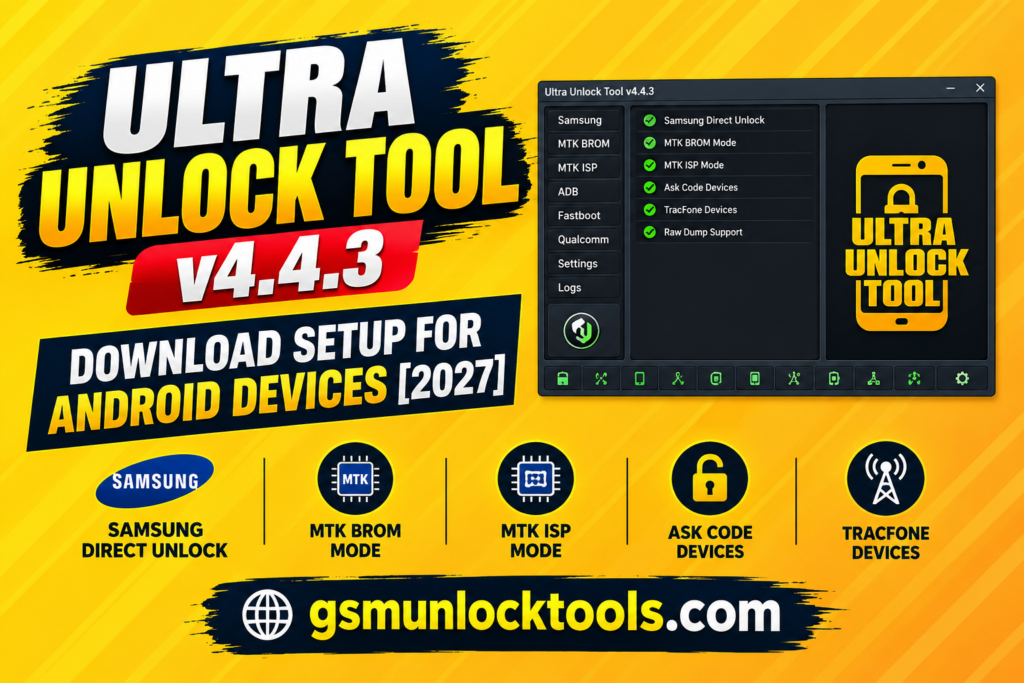
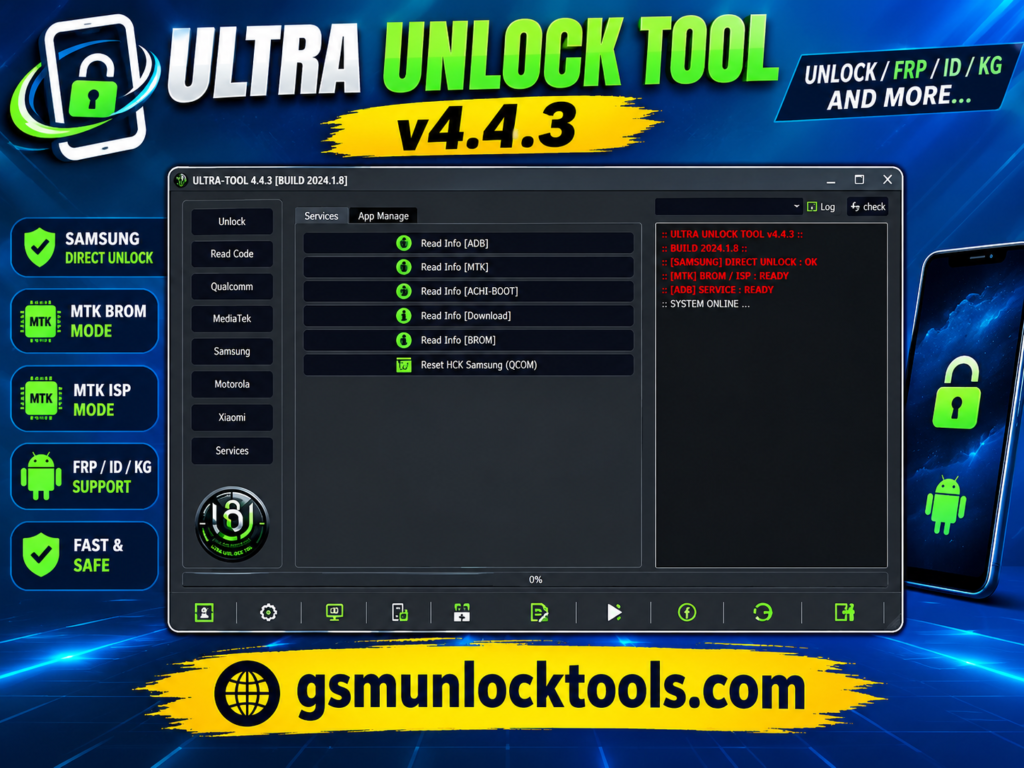
Ultra Unlock Tool is a Windows-based GSM mobile servicing utility designed to help users perform supported smartphone unlocking and repair operations. It offers selected Samsung servicing functions, including Direct Unlock via MediaTek BROM and ISP modes, for compatible Ask Code and TracFone devices.
Key Features of the Ultra Unlock Tool
Samsung Direct Unlock
The tool provides direct unlocking options for selected Samsung devices, including supported Ask Code and TracFone models.
MediaTek BROM Mode
The tool supports Direct Unlock through MTK BROM mode, which requires you to manually enter the device into BROM mode.
MTK ISP Unlock
The tool enables supported unlocking operations using dump files obtained through ISP or test-point methods.
Version-Specific Compatibility
The tool’s features and supported models depend on the Ultra Unlock Tool version, device variant, and required servicing files.
What’s New in the Ultra Unlock Tool?
- Added Samsung Direct Unlock via MTK BROM mode.
- Added Direct Unlock via MTK ISP mode.
- Added support for selected Ask Code and TracFone devices.
- Added raw dump file support for ISP/test-point operations.
- Supported files include nvdata. nvram. img,img, protect1.img, and protect2.img.
- Added support for selected Samsung models, including SM-S127DL and SM-S326DL.
System Requirements
| Requirement | Details |
| Operating System | Windows 7, 8, 10, or 11 |
| Processor | Compatible Windows PC |
| RAM | Not officially verified for Ultra Unlock Tool 4.4.3 |
| Storage | Sufficient free space for setup and required files |
| USB Connection | Working USB port and compatible data cable |
| Drivers | Appropriate USB and MediaTek drivers |
| Internet | Required if the tool’s services or activation require online access |
How to Download & Install the Ultra Unlock Tool?
- Download the Ultra Unlock Tool from its official source.
- Verify the setup version and extract the downloaded files.
- Install the required drivers on your Windows PC.
- Launch the tool and sign in with a valid account.
- Connect the supported Samsung device using a compatible USB cable.
- Select MTK BROM or MTK ISP mode as required.
- Follow the tool’s instructions for the supported operation.
- Verify device compatibility before starting.
Pros & Cons
| Pros | Cons |
| Supports Direct Unlock via MTK BROM and ISP modes. | Limited to selected Samsung Ask Code and TracFone devices for these methods. |
| Supports ISP and test-point raw dump files. | Requires manual BROM mode entry for the BROM method. |
| Lists multiple compatible Samsung models. | Requires correctly prepared raw image files for ISP operations. |
| Offers specialized mobile servicing workflows. | Compatibility depends on the device model and servicing method. |
| Useful for technicians handling supported unlocking tasks. | Some operations may require technical knowledge and appropriate servicing access. |
Also check: Dars Unlock Tool V5 Free Download Latest Version [2027]
Conclusion
Ultra Unlock Tool is a mobile servicing utility that offers specialized Samsung Direct Unlock options via MediaTek BROM and ISP modes. It supports selected AT&T and TracFone devices, with ISP operations requiring compatible raw dump files. Before downloading, verify the software version, device compatibility, and source reliability to ensure a suitable servicing workflow for your smartphone repair needs.
FAQ’s
Which devices are supported by Ultra Unlock Tool 4.4.3?
The listed MTK BROM and ISP methods support selected Samsung Ask Code and TracFone devices, including models SM-S127DL, SM-S134DL, SM-S136DL, SM-S215DL, and SM-S326DL.
What is the difference between MTK BROM and MTK ISP modes?
MTK BROM mode requires manually entering a compatible phone into BROM mode. MTK ISP mode uses supported raw dump files obtained through ISP or test-point methods.
Is Ultra Unlock Tool compatible with every Android phone?
No. Compatibility depends on the exact device model, chipset, servicing mode, and supported operation. Always check the release notes before using the tool.
Is Ultra Unlock Tool free to use?
Free access or credits may depend on the provider and account terms. Check the software’s current official distribution channels for accurate licensing and pricing information.
One Comment