
Dolphin Tool V1.2 Download Latest Version for Windows (2026)
Android users and mobile technicians face hurdles with FRP locks, screen locks, boot loops, failed flashing, bootloader issues, and ADB/Fastboot errors on MediaTek (MTK) devices. Dolphin Tool V1.2 provides a reliable solution for FRP reset, flashing, device management, and advanced servicing via ADB, Fastboot, and MTK Universal modes. Its clean interface and broad Android support make everyday repair tasks faster & efficient.
What is Dolphin Tool?
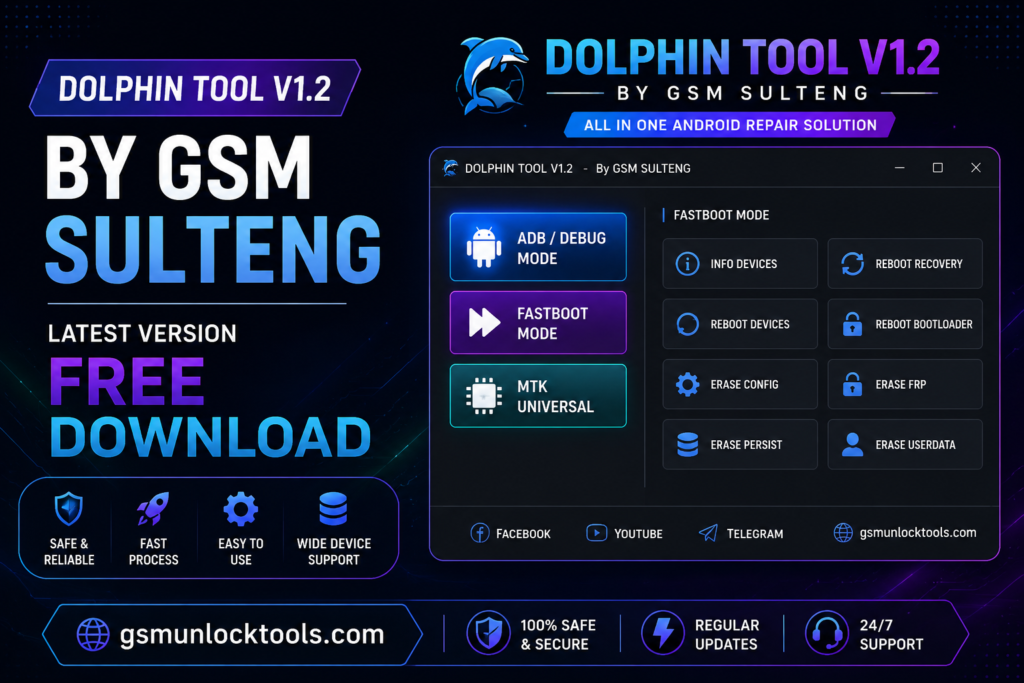
This, developed by GSM Sulteng, is an advanced Android repair tool for Windows PCs that enables mobile technicians to bypass FRP, remove screen locks, resolve boot loops, flash firmware, manage Mi Account, perform SLA/DA bypass, and back up or restore user data. It supports 3 modes: ADB, Fastboot, and MediaTek (MTK), making it a practical solution for unlocking, repairing, and maintaining supported Android smartphones on Windows PCs.
Key Features of the Dolphin Tool
ADB/Debug Mode
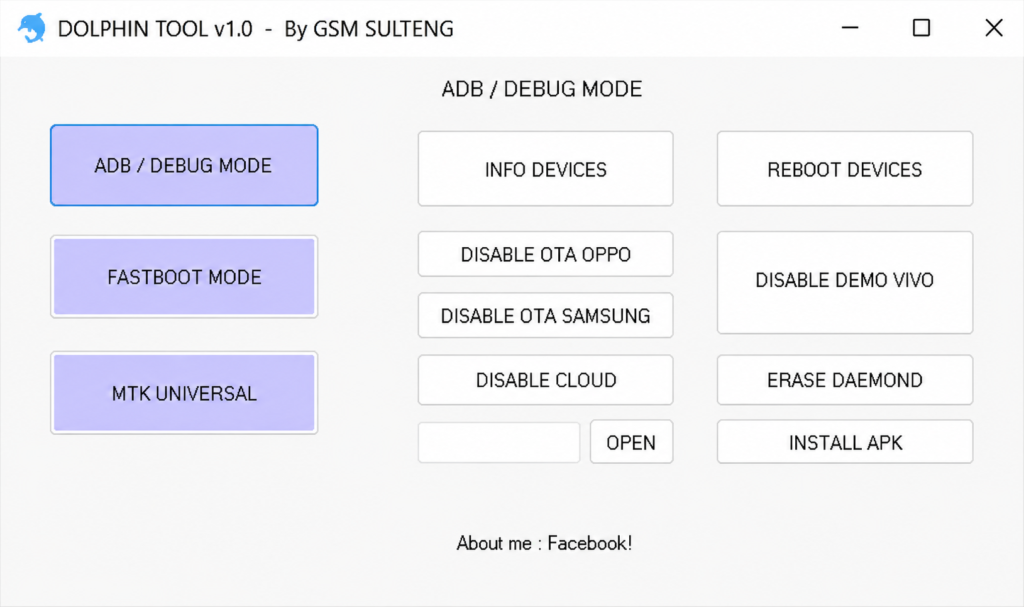
ADB (Android Debug Bridge) Mode enables the Dolphin Tool to manage Android devices. With this feature, technicians can read device information, reboot smartphones, install APK files, disable OTA (Over-the-Air) updates on supported devices, remove Vivo Demo Mode, disable cloud services, and erase DAEMON data. This feature allows software maintenance, troubleshooting, and servicing tasks to be performed more efficiently.
Fastboot Mode
The Fastboot mode feature increases the efficacy of the tool for advanced task management. The feature makes your work easier by providing access to read device information, rebooting to System, Recovery Mode, or Bootloader Mode, erasing configuration partitions, removing FRP (Factory Reset Protection), wiping data, and erasing user data for a software reset. These features make device problems easy to solve; you don’t need any other software to resolve them.
MTK Universal
MTK Universal is designed for MediaTek’s chipset devices, providing a wide range of tools in one place that allow users to bypass SLA/DA protection, perform Factory Reset using both legacy and modern methods, remove FRP, reset Samsung FRP, format cloud data, unlock or relock the Bootloader (UBL), and perform custom erasures according to specific needs. The tool is compatible with various MTK chipset devices, making it an ideal tool for mobile technicians.
Required Drivers
Before you start, you have to install the drivers given below.
- MTK USB Driver
- Android USB Driver
- Samsung USB Driver
- Qualcomm Driver (for limited operations)
- USBDK Driver
- VCOM Driver
How to Download, Install & Use Dolphin Tool V1.2?
Download the latest version from a trusted Official Website.
Extract the ZIP file.
Disable antivirus temporarily if required.
Open the extracted folder.
Run Dol.exe as Administrator.
Install required USB Drivers.
Connect your device.
Choose the desired operation.
Also Check: TFT Tool V7 Download Latest Version for Windows – Fast & Secure
What’s new in Dolphin tool version 1.2?
Extra Boot Mode
- MTK Force BROM Bypass (CMD)
- ADB Bypass FRP Samsung
- Set MI Cloud (Sideload)
Common Uses of the Dolphin Tool
The Dolphin tool is used by technicians usually for:
- FRP Unlock
- Google Account Removal
- Factory Reset
- Bootloop Repair
- Pattern Unlock
- Password Removal
- PIN Removal
- Mi Cloud Reset
- Demo Removal
- Bootloader Unlock
- Firmware Preparation
- Device Information
- APK Installation
- Data Formatting
Conclusion
The Dolphin tool is developed by GSM Sulteng. It is the best and most fantastic software tool that makes performing Android device maintenance and troubleshooting easier. However, it helps you unlock, repair, and maintain MediaTek chipsets to solve several problems, including FRP removal, Factory Reset, Bootloader management, SLA/DA bypass, Mi Cloud reset, and device troubleshooting from a single interface. The tool comes with user friendly interface with a structured interface that can be easily handled.
FAQ’s
Does Dolphin Tool remove FRP?
Yes. It supports FRP removal through ADB, Fastboot, and MTK modes.
Does Dolphin Tool support Android 13?
Yes. Many Android 13 MediaTek devices are supported.
Can Dolphin Tool unlock the bootloader?
Yes. It supports both bootloader unlock and relock on compatible MTK devices.
Does it support MediaTek Dimensity processors?
Yes. Selected Dimensity processors are supported depending on the device security.
Does Dolphin Tool require installation?
No. Dolphin Tool is distributed as a portable Windows application, so most versions can be launched directly without a full installation. However, the required USB drivers must be installed for proper device detection.
Which Android modes does Dolphin Tool support?
Dolphin Tool supports ADB (Android Debug Bridge), Fastboot, and MediaTek (MTK) Universal modes, allowing technicians to perform tasks such as FRP reset, firmware flashing, bootloader management, and device maintenance on supported Android smartphones.
![Easy Multi Tool v1.2.0: Download the Latest Version for Windows [2026]](https://gsmunlocktools.com/wp-content/uploads/2026/08/easy-multi-tool-v1-2-0-768x576.png)
![Xiaomi Tool V2026.01.18 Free Download Latest Version [2026]](https://gsmunlocktools.com/wp-content/uploads/2026/09/xiaomi-tool-v2026-01-18-768x576.png)