QCN Tool V1 Free Download for QCN Edit & IMEI [2026]
Use it when a Qualcomm Android device has no service, an incorrect network configuration, IMEI-related issues, or QCN-related issues. QCN Tool provides a workflow for examining QCN data, creating backups, editing supported information, and restoring configuration files, helping technicians approach these problems more efficiently.
What is the QCN Tool?
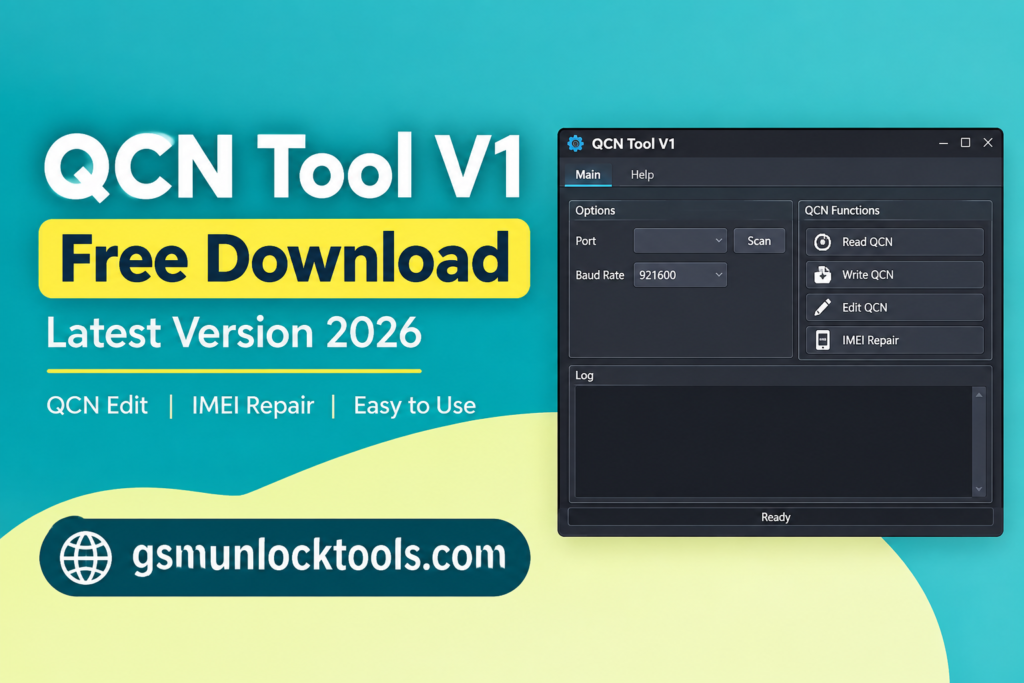
QCN Tool is a tool for managing Qualcomm-based Android smartphones and tablets. It helps users back up, restore, and manage QCN files. It can also show supported IMEI information and help with network-related problems. When network configuration problems, invalid IMEI information, or corrupted QCN data affect device connectivity. Issues such as no network signal, incorrect IMEI, lost modem configuration, or damaged QCN files can make a device difficult to use and troubleshoot.
Key Features of QCN Tool
IMEI Details Check
It makes it easier to inspect IMEI details available in a compatible QCN file. Users can quickly check the stored information while troubleshooting device configuration and connectivity problems.
QCN Data Management
The tool provides a convenient way to work with supported QCN configuration data. This helps organize the repair process without having to handle different QCN operations separately.
QCN File Creation
Users can prepare a new QCN file according to the supported device configuration. This can be useful when a fresh configuration file is required during an authorized Qualcomm device servicing workflow.
SIM Configuration
It supports SIM-related configuration options for compatible devices. Selecting the appropriate SIM setup can help technicians prepare the correct QCN configuration for the target device.
QCN Backup
Creating a backup before making changes helps preserve the existing QCN configuration. This gives technicians a copy that can be used if the original configuration needs to be restored during authorized servicing.
QCN Recovery
The restore function can be used to bring back a previously saved QCN configuration on a compatible device. This can simplify recovery when network or configuration data is affected during servicing.
Qualcomm Compatibility
QCN Tool is focused on Qualcomm-powered Android smartphones and tablets. Its features are designed around common QCN management tasks used in Qualcomm device servicing.
Simple Repair Workflow
By bringing QCN viewing, backup, creation, and restoration features together, the tool provides a straightforward workflow for technicians working with supported Qualcomm devices.
What’s New in the QCN Tool?
- Improved QCN File Handling
- Faster IMEI Information Checking
- Simplified QCN Creation
- Better SIM Configuration
- Streamlined Backup & Restore
- Updated User Interface
- Enhanced Qualcomm Workflow
Pros & Cons
| Pros | Cons |
| Easy-to-use interface for QCN management | Works mainly with compatible Qualcomm devices |
| Supports QCN backup and restoration | DIAG mode may be required |
| Helps view supported IMEI information | Incorrect QCN changes can cause configuration problems |
| Includes QCN creation and editing options | Requires a suitable QCN backup for reliable recovery |
| Supports SIM configuration for compatible devices | Not every Qualcomm model is guaranteed to be supported |
Also check: Best Flash Tool V1.7 By Boss: Free Download Latest Version [2026]
How to Download & Use the QCN Tool?
- Get the QCN Tool from a trusted source.
- Unzip the downloaded file using WinRAR or 7-Zip.
- Install the required Qualcomm USB drivers.
- Enable DIAG mode and connect the device with a USB cable.
- Run the QCN Tool and select the available device connection.
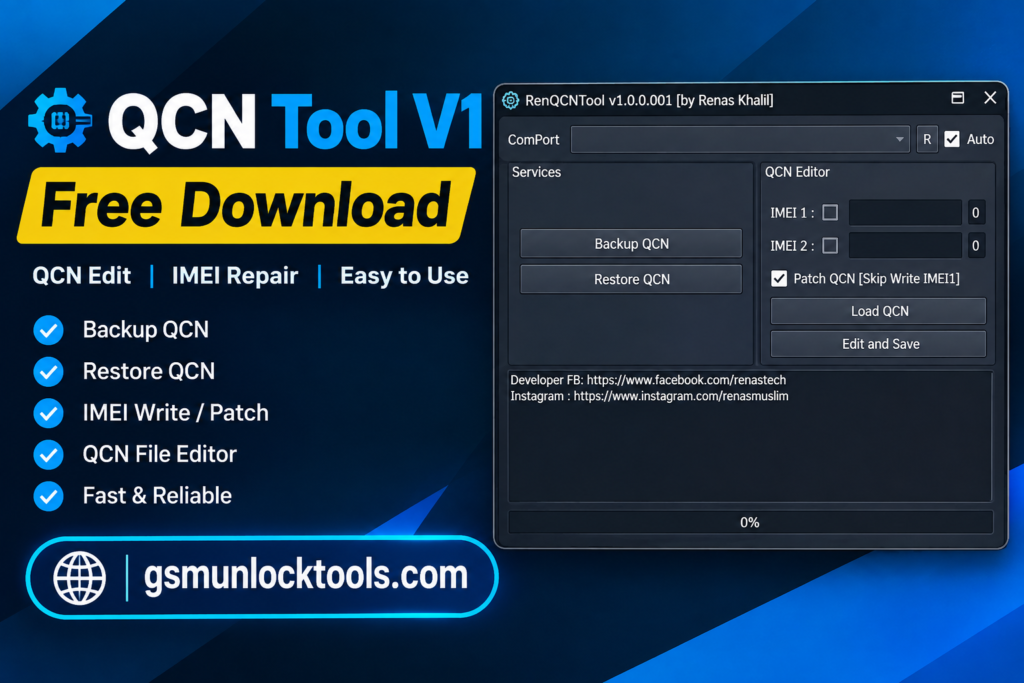
- Choose Backup and save the QCN file safely.
- Wait for the process to complete.
- Enjoy using the tool.
System requirements
| Requirement | Details |
| Operating System | Windows 7, 8, 10, or 11 |
| Processor | Intel/AMD processor, 1 GHz or higher |
| RAM | Minimum 2 GB |
| Storage | At least 100 MB of free space |
| USB Connection | Working USB port and cable |
| Drivers | Compatible Qualcomm USB/DIAG drivers |
| Device | Compatible Qualcomm-based Android device |
Conclusion
QCN Tool is a simple utility for managing QCN files on compatible Qualcomm Android devices. It helps users back up, restore, and create supported QCN configurations. The tool can also display supported IMEI information for checking device configuration. With its straightforward features, QCN Tool can make authorized Qualcomm device servicing and troubleshooting easier.
FAQ’s
Is the QCN Tool easy to use?
Yes, the tool has simple options that make basic QCN tasks easier for users and technicians.
Can the QCN Tool back up QCN files?
Yes, it can be used to create a backup of supported QCN data before servicing a device.
Can the QCN Tool show IMEI information?
Yes, supported QCN files can be checked to view the IMEI information stored in them.
Which devices can use the QCN Tool?
QCN Tool is mainly designed for Qualcomm-based Android smartphones and tablets.
Is the QCN Tool useful for mobile repair?
Yes, it can be useful for authorized Qualcomm device servicing, especially when working with supported QCN configurations.
![IMEI Write Tool R3.0.0001 Free Download for Windows [2026]](https://gsmunlocktools.com/wp-content/uploads/2026/09/imei-write-tool-r3-0-0001-768x576.png)
![Android Root Tool v6.0.5.0 Download for Windows Latest Version [2026]](https://gsmunlocktools.com/wp-content/uploads/2026/08/android-root-tool-v6-0-5-0-download-768x576.png)


![Android Win Tool v2.1.8: Download the Latest Version for Windows [2026]](https://gsmunlocktools.com/wp-content/uploads/2026/08/android-win-tool-v2-1-8-768x576.png)