SK Unlocker Tool V23 Free Download Setup 100% Working Latest Version [2027]
Mobile technicians face challenges servicing different Android devices because of software issues, firmware problems, and the need to work across multiple chipset platforms, which can require several separate tools. SK Unlocker Tool provides a centralized Windows-based solution for supported Qualcomm, MediaTek, Unisoc/SPD, Kirin, and Samsung devices, helping technicians manage compatible software servicing, maintenance, and diagnostic tasks through supported MTP and Fastboot modes in one convenient platform.
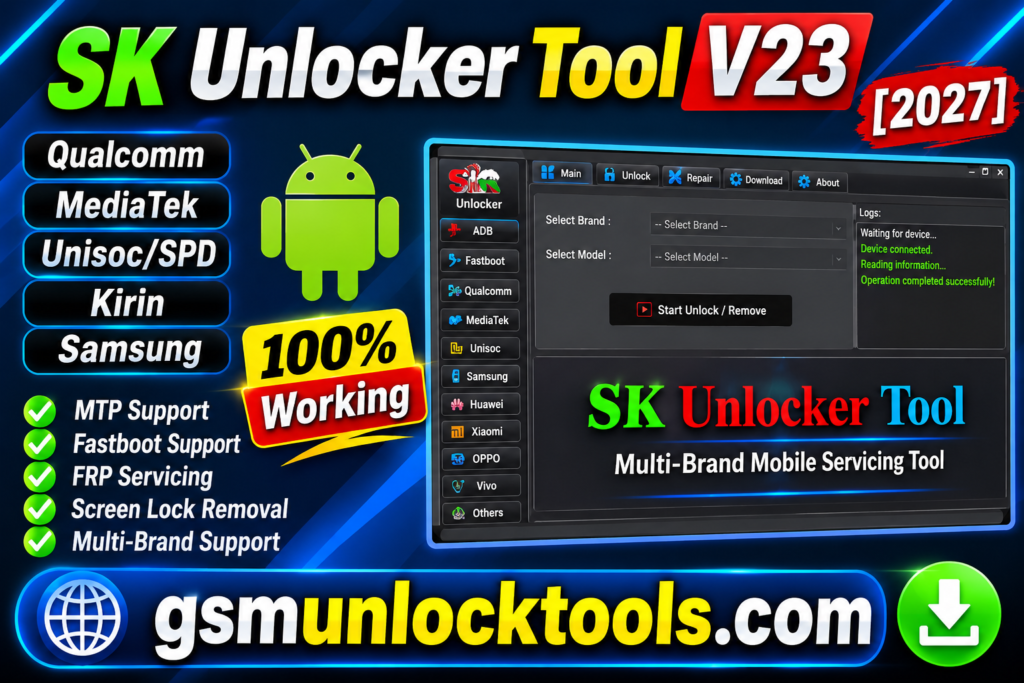
What is the SK Unlocker Tool?
SK Unlocker Tool is a Windows-based mobile servicing software designed for technicians and advanced users working with supported Android smartphones and tablets. It provides a centralized platform for compatible devices across Qualcomm, MediaTek, Unisoc/SPD, Kirin, and Samsung platforms, helping users perform supported software maintenance, diagnostics, and device servicing operations through connection modes such as MTP and Fastboot.
Key Features of the SK Unlocker Tool
Multi-Chipset Support
The tool Supports selected Qualcomm, MediaTek, Unisoc/SPD, Kirin, and Samsung devices. It helps technicians manage different Android platforms using one Windows-based tool.
MTP Mode Support
The tool provides MTP connectivity for compatible Android devices. It helps perform supported device servicing and software maintenance operations.
Fastboot Mode Support
The tool connects compatible Android devices through Fastboot mode. It allows technicians to perform supported device management and maintenance tasks.
FRP Servicing
The tool includes FRP-related servicing functions for supported devices. It is designed for authorized recovery and maintenance of Android devices.
Screen Lock Servicing
The tool offers screen-lock-related servicing options for compatible devices. It helps technicians handle recovery scenarios for supported devices.
Samsung Device Support
The tool includes servicing options for supported Samsung Android devices. It helps technicians manage compatible Samsung software maintenance tasks.
What’s New in the SK Unlocker Tool?
- Multi-Chipset Compatibility for Android Devices
- Qualcomm, MediaTek, Unisoc/SPD, Kirin & Samsung Support
- MTP and Fastboot Connection Mode Support
- FRP Servicing for Supported Android Devices
- Screen Lock Servicing and Recovery Functions
- Firmware Management and Maintenance Operations
- Advanced Android Device Diagnostic Functions
- Improved Multi-Brand Device Servicing Workflow
- Centralized Windows-Based User Interface
- Multiple Mobile Repair Functions in One Platform
System Requirements
| Requirement | Minimum Specification |
| Operating System | Windows 7 / 8 / 10 / 11 |
| Processor | Intel or AMD Dual-Core |
| RAM | 2 GB Minimum |
| Storage | 1 GB Free Space |
| Architecture | 32-bit / 64-bit |
| USB Connection | USB 2.0 / USB 3.0 |
| USB Drivers | Required device-specific drivers |
| Internet Connection | Required for online functions, if applicable |
| Additional Software | Microsoft .NET Framework, if required |
How to Download & Install the SK Unlocker Tool?
- Visit a trusted source to find the SK Unlocker Tool v23 download package.
- Download the setup file to your Windows computer.
- Extract the ZIP or RAR file using WinRAR or 7-Zip.
- Open the extracted folder and locate the installation file.
- Run the installer and follow the installation instructions.
- Install the required USB drivers from trusted sources.
- Launch SK Unlocker v23 on your Windows PC.
- Connect your supported Android device using a USB cable.
- Select the compatible MTP or Fastboot connection mode.
- Check device compatibility and select the required authorized servicing function.
- Follow the on-screen instructions to complete the operation.
- Disconnect your device safely after the process is complete.
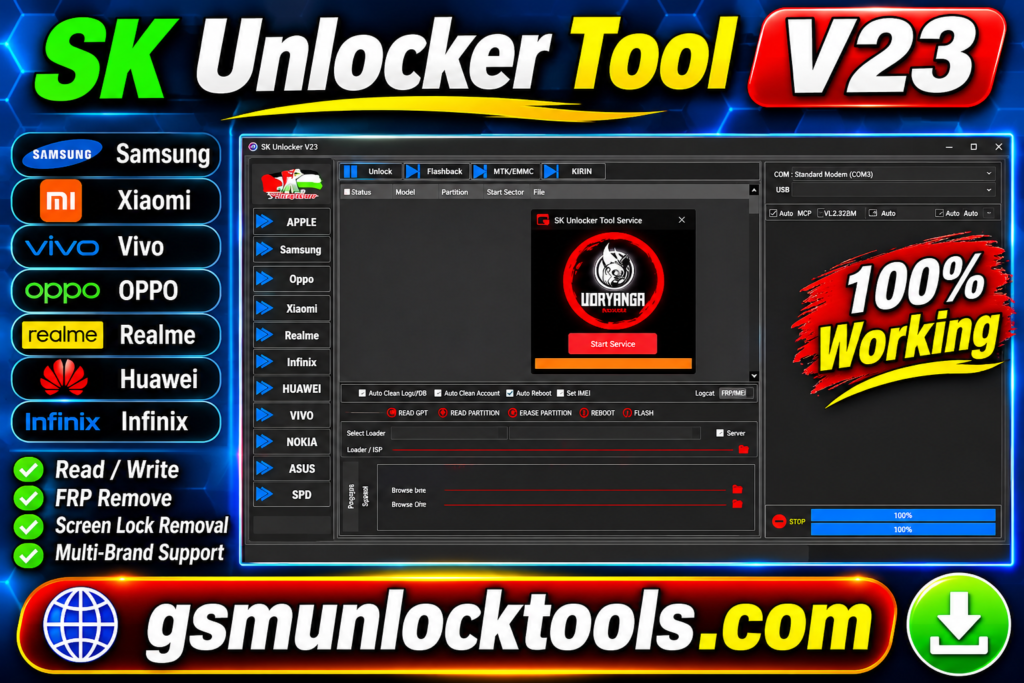
Pros & Cons
| Pros | Cons |
| Supports multiple Android chipset platforms | Limited official developer updates |
| Qualcomm, MediaTek, Unisoc/SPD, and Samsung compatibility | Not all Android models are supported |
| MTP and Fastboot connectivity | Requires compatible USB drivers |
| Multiple servicing functions in one tool | Some features may require technical knowledge |
| Windows-based user interface | Compatibility may vary by Windows version |
| Supports various device maintenance operations | Unofficial cracked versions may pose security risks |
| Useful for mobile repair technicians | No guarantee of future updates or support |
Also check: Mysterious-Dev Tool v1.3.2 Free Download Latest Version [2027]
Conclusion
SK Unlocker v23 is a multi-platform Windows-based mobile servicing tool designed for Android repair technicians and advanced users. With support for selected Qualcomm, MediaTek, Unisoc/SPD, Kirin, and Samsung devices, it brings various servicing, maintenance, and diagnostic functions into one platform. Its MTP and Fastboot connectivity make it useful for compatible device operations. However, users should verify device compatibility, download software only from trusted sources, and scan installation files for security risks before use.
FAQ’s
Which devices does SK Unlocker v23 support?
It advertises support for selected Qualcomm, MediaTek, Unisoc/SPD, Kirin, and Samsung devices.
Is SK Unlocker v23 free to use?
Some third-party websites advertise free or activated versions, but their authenticity and safety are not verified.
Can SK Unlocker v23 perform FRP servicing?
It advertises FRP-related servicing functions for supported devices, subject to authorization and compatibility.
Is SK Unlocker v23 safe to install?
Safety depends on the download source and installation package. Avoid unverified cracked versions and scan files with updated antivirus software before installation.
Is SK Unlocker v23 suitable for mobile repair technicians?
It is designed for mobile servicing workflows and may be useful for technicians working with supported Android devices.