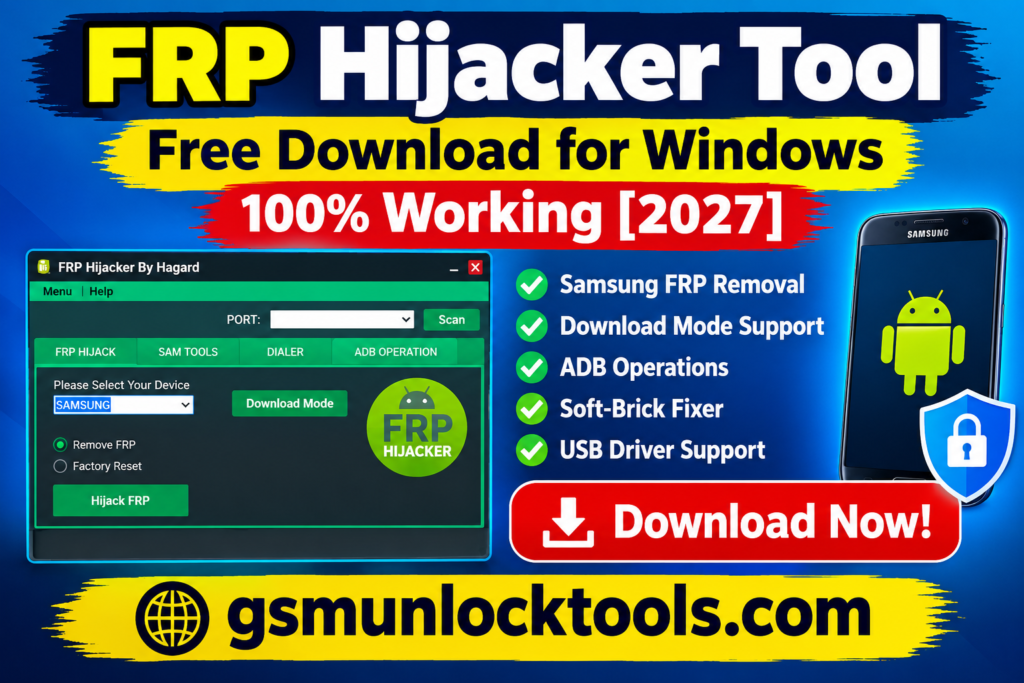
FRP Hijacker Tool Free Download for Windows 100% Working [2027]
If you’re locked out of your Samsung phone after a factory reset, use this tool to explore supported servicing options. FRP Hijacker is a Windows-based Samsung servicing utility designed to assist with Factory Reset Protection and selected screen-lock recovery tasks on compatible older devices. It combines features such as Download Mode and ADB-related operations, dialer tools, and soft-brick repair utilities in one interface.
What is the FRP Hijacker Tool?
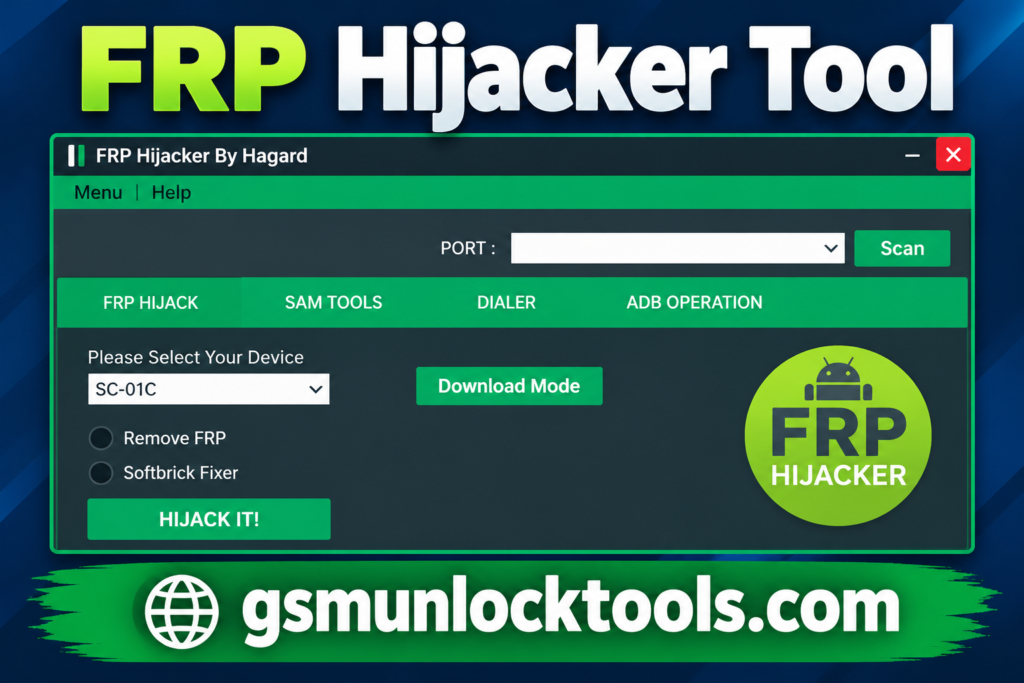
FRP Hijacker is a Windows-based mobile servicing utility designed primarily for selected Samsung Galaxy smartphones. It provides FRP-related servicing functions, ADB operations, Download Mode support, screen-lock reset options, and soft-brick repair utilities for compatible devices. Its compatibility is mainly focused on older Samsung devices, and results depend on the Android version, device model, and security patch.
Key Features of the FRP Hijacker Tool
Samsung FRP Servicing
FRP Hijacker Tool provides FRP-related functions for selected Samsung Galaxy devices running compatible older Android versions.
Download Mode Support
FRP Hijacker Tool includes servicing options designed for compatible Samsung devices connected through Download Mode.
ADB Operations
The tool offers ADB-related functions for supported devices when USB debugging and device access requirements are met.
Soft-Brick Fixer
The tool provides selected repair functions for Samsung devices experiencing certain software or boot-related issues.
USB Driver Support
FRP Hijacker Tool Works with compatible Samsung USB drivers to help establish communication between the phone and a Windows PC.
What’s New in the FRP Hijacker Tool?
- Introduced Samsung FRP removal through Download Mode for supported devices.
- Added ADB-based FRP removal functionality.
- Added an ADB Enabler tool for compatible Samsung devices.
- Included a Softbrick Fixer for selected software-related boot issues.
- Added a Phone Dialer utility for supported servicing workflows.
- Simplified Samsung servicing by combining multiple functions in one Windows application.
System Requirements
| Requirement | Details |
| Operating System | Windows 7, 8, 10 |
| Processor | Intel or AMD processor |
| RAM | 2 GB minimum recommended |
| Storage | Free space for the tool files |
| USB Connection | Functional USB port and data cable |
| Drivers | Compatible Samsung USB drivers |
| Software | Required Microsoft .NET Framework components, if prompted |
How to Download & Install the FRP Hijacker Tool?
- Download FRP Hijacker from a trusted source.
- Extract the downloaded ZIP or RAR file using an archive utility.
- Open the extracted folder and locate the setup or executable file.
- Install the required Samsung USB drivers on your Windows PC.
- Launch FRP Hijacker and connect your compatible Samsung device.
- Select the appropriate device mode, such as ADB or Download Mode.
- Choose the required supported servicing function and follow the on-screen instructions.
- Wait for the process to finish before disconnecting the device.
Pros & Cons
| Pros | Cons |
| Free Windows utility for Samsung servicing. | Primarily designed for older Samsung devices. |
| Includes FRP-related functions for compatible models. | May not work on newer Android security patches. |
| Supports selected ADB and Download Mode operations. | Requires compatible USB drivers and device connections. |
| Includes soft-brick repair utilities. | Advanced functions may require technical knowledge. |
| Combines several servicing options in one interface. | No verified recent official release has been confirmed. |
| Lightweight tool with a straightforward interface. | Unofficial download packages may pose security risks. |
Also check: Tera Tool V1.0.2.8 Free Download Setup 100% Working Latest Version [2027]
Conclusion
FRP Hijacker is a Windows-based Samsung servicing utility designed for FRP-related tasks, ADB operations, Download Mode functions, and selected soft-brick repairs. Its features may help technicians working with compatible older Samsung Galaxy devices. However, compatibility with newer Android versions and security patches is limited or unverified. Before downloading, verify the installer’s safety and device compatibility, and consider Google Account Recovery or Samsung Support for legitimate FRP recovery.
FAQ’s
Which devices does FRP Hijacker support?
The tool primarily targets compatible Samsung Galaxy smartphones. Its functionality depends on the device model, Android version, security patch, and available connection mode.
Can FRP Hijacker remove Google FRP locks?
It advertises FRP-related servicing functions for selected older Samsung devices. Success is not guaranteed, especially on newer Android versions with updated security protections.
Is FRP Hijacker free to download?
Many third-party websites list FRP Hijacker V1.0 as a free utility. Verify the download source and scan the files before installation because unofficial packages may contain unwanted or malicious software.
Is FRP Hijacker safe to use?
Safety depends on the installer’s authenticity and the operation you perform. Download from a trusted source, back up available data, and use the tool only on devices you own or are authorized to service.

One Comment