OST Tool V6.3.7 Free Download: Nokia Firmware Flash [2026]
If your Nokia phone is not turning on properly. It is stuck on the logo or keeps restarting, flashing the stock firmware. The OST Tool can provide a firmware-based recovery solution. Depending on the device and firmware package, the utility can work with .nb0 and .mlf firmware files to reinstall factory software.
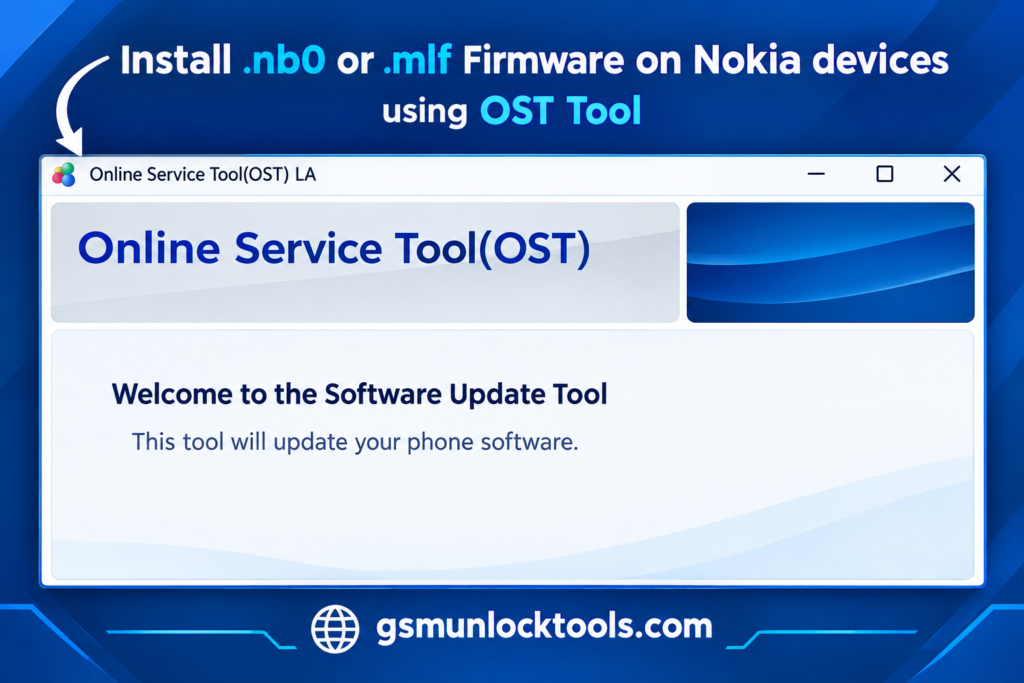
What is the OST Tool V6.3.7?
Nokia OST Tool is a Windows-based Nokia Android servicing tool associated with FIH Mobile for firmware flashing, software restoration, and device servicing. It is commonly used with Nokia smartphones that support Fastboot Mode, Download Mode, Qualcomm EDL 9008, and MediaTek DA VCOM interfaces.
Key Features of OST Tool
Stock Firmware Flashing
The Tool allows users to install compatible stock firmware on Nokia Android phones. It can help restore the original software when a device has software-related problems.
Supports .nb0 and .mlf Firmware
It can work with supported .nb0 and .mlf firmware files, making it useful for different Nokia firmware packages and device models.
Nokia Stock ROM Installation
With the correct firmware package, OST Tool can reinstall the official stock software on a compatible Nokia device. This can be useful after a failed update or software issue.
Simple Flashing Interface
OST Tool provides a relatively straightforward interface for selecting firmware and starting the installation process, making the basic flashing workflow easier to follow.
Support for Different Service Modes
Depending on the Nokia model and OST version, the tool may work through supported Fastboot or Download/Service modes for firmware installation and device recovery.
Firmware Upgrade & Supported Downgrade
The OST Tool can upgrade device software and, where the firmware and device configuration allow it, install an earlier compatible software version.
What’s New in OST Tool?
- Improved Firmware Support
- More OST Versions Available
- Updated Windows-Based Flashing
- Newer Nokia Device Support
- Updated Android Compatibility
- Improved Firmware Processing
- Better Error Handling
- Updated USB Driver Compatibility
Pros & Cons
| Pros | Cons |
| Supports Nokia stock firmware flashing | Requires a Windows PC |
| Supports .nb0 and .mlf firmware | Firmware must match the exact model |
| Can help fix boot loops and software issues | Incorrect firmware can cause flashing problems |
| Simple and easy-to-use interface | Some versions may require authorization/login |
| Useful for firmware upgrades and device recovery | Support varies by Nokia model and OST version |
How to Download, Install & Use OST Tool?
- Download the OST Tool.
- Click on the download link.
- Wait until the download is complete.
- Extract all files to your Desktop.
- Open the extracted folder.
- Enable USB debugging when using Fastboot functions.
- Open the downloaded tool.
- Run the tool as an administrator.
- The tool will open on your PC screen.
- Enjoy using the tool.
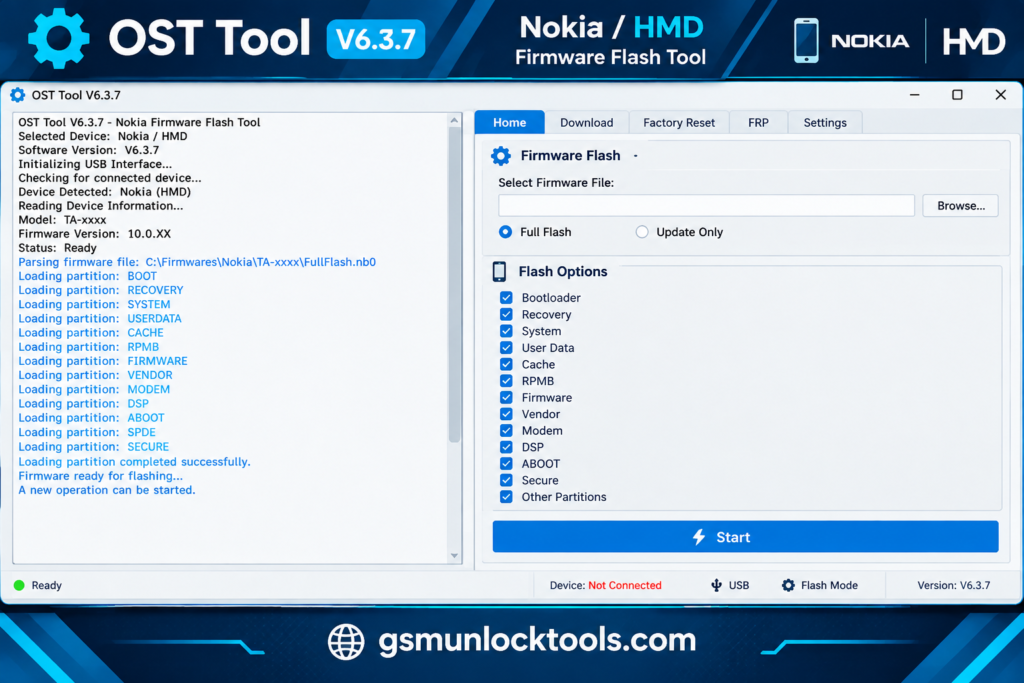
System Requirements
| Requirement | Minimum / Recommended |
| Operating System | Windows 7, 8, 8.1, 10, or 11 |
| Architecture | 32-bit or 64-bit Windows |
| RAM | 2 GB minimum; 4 GB recommended |
| Storage | At least 1–2 GB of free space, plus space for firmware |
| USB Port | Working USB 2.0/3.0 port |
| USB Drivers | Compatible Nokia/FIH USB drivers installed |
| Processor | Dual-core processor or better |
| Firmware | Correct .nb0 or .mlf package for the device |
Also check: Pegasus Tool V3.2 Free Download & Setup for Windows [2026]
Conclusion
Nokia OST Tool is a Windows-based tool for Nokia phones. It helps to fix boot loops, software errors, and phones stuck on the logo. Use the correct firmware and OST version for your device. Using the proper OST version and USB drivers can also help avoid flashing errors.
FAQ’s
Does OST Tool require an internet connection?
Some versions or official services may require internet access for authorization, while offline behavior varies by version and setup.
Can the OST Tool erase my phone data?
Firmware servicing can involve changing device data depending on the selected operation and firmware process. Back up important files whenever possible before servicing the phone.
Can I use the Nokia OST Tool without a Nokia account?
It depends on the OST version. Some official builds can require online service credentials.
Is the Nokia OST Tool free to use?
The tool itself is commonly available through various sources, but access to certain official servicing functions may depend on authorization requirements.
What happens if the flashing process stops midway?
Do not immediately disconnect the device. Check the displayed error, connection status, firmware compatibility, and driver installation before attempting the process again.
![GSM Flasher Tool Free Download for Windows | All Devices [2026]](https://gsmunlocktools.com/wp-content/uploads/2026/09/gsm-flasher-tool-free-download.png)
![TFM Tool Pro v2.3.0: Download Latest Version [2026]](https://gsmunlocktools.com/wp-content/uploads/2026/08/tfm-tool-pro-v2-3-0-768x576.png)