Tera Tool V1.0.2.8 Free Download Setup 100% Working Latest Version [2027]
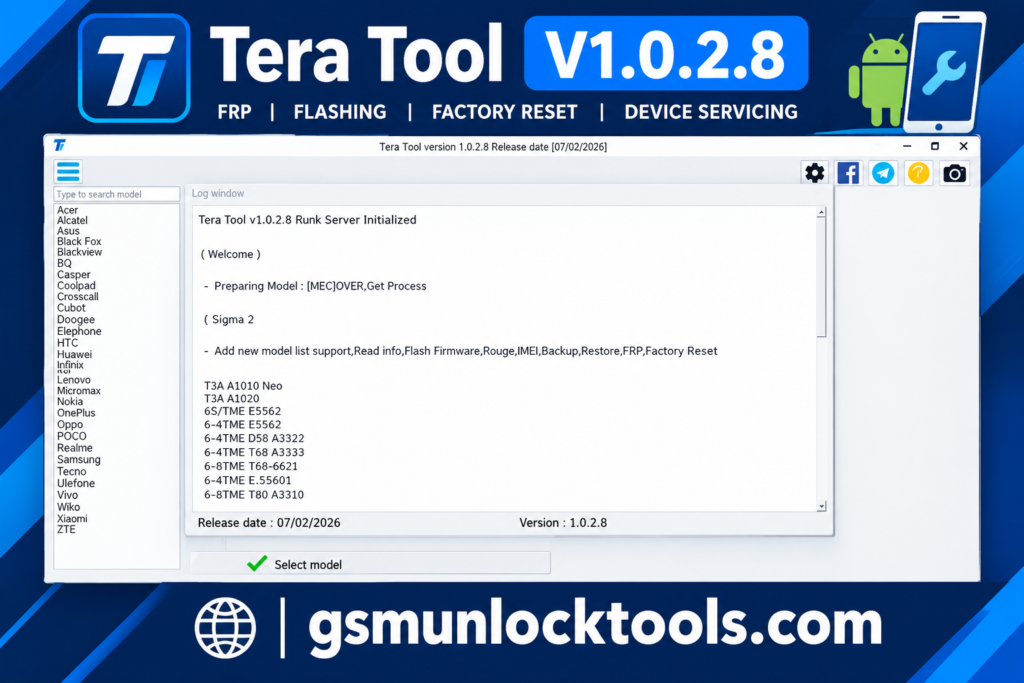
When your device has Android software issues, FRP locks, firmware errors, or needs device servicing. Tera Tool is a Windows-based mobile repair utility. It combines multiple smartphone servicing functions into one platform. It supports MediaTek, Qualcomm, Unisoc, Xiaomi, Huawei HiSilicon, and Samsung devices. It offers tools for device information, factory reset, firmware flashing, bootloader management, and EFS backup and restore through supported ADB, Fastboot, and EDL workflows.
What is the Tera Tool?
Tera Tool is a Windows-based mobile phone servicing tool. It is designed for smartphone repair professionals. Tera Tool offers features such as FRP servicing, factory reset, firmware flashing, bootloader management, device information reading, and EFS backup and restore through ADB, Fastboot, and EDL modes.
Key Features of the Tera Tool
Multi-Brand Support
The tool offers servicing options for supported Samsung, Xiaomi, Huawei, MediaTek, Qualcomm, and Unisoc devices. It brings multiple mobile maintenance functions into one interface.
FRP Servicing
The tool includes FRP-related functions for selected compatible Android smartphones. Available options depend on the device model and Android version.
Factory Reset
The tool provides factory reset and userdata/cache reset options for supported devices. These functions help technicians address certain software issues and restore devices.
Firmware Flashing
Supports firmware installation through compatible device modes. Technicians can use the relevant options to reinstall supported firmware and troubleshoot certain software-related problems.
Bootloader Management
The tool includes bootloader lock and unlock options for supported models. Availability depends on the device manufacturer, model, and security restrictions.
What’s New in the Tera Tool?
- Improved mobile servicing workflow for supported Android devices.
- Supports multiple smartphone brands, including Samsung, Xiaomi, Huawei, Vivo, and OPPO.
- Provides chipset-based servicing options for MTK, Qualcomm, and SPD devices.
- Includes various mobile repair and software maintenance functions in one interface.
- Offers device servicing through supported connection modes and compatible models.
System Requirements
| Requirement | Details |
| OS | Windows 7, 8, 10, or 11 |
| Processor | Intel or AMD processor |
| RAM | 4 GB minimum recommended |
| Storage | Sufficient free space for setup and firmware files |
| USB Connection | Working USB port and compatible data cable |
| USB Drivers | ADB, Fastboot, and chipset-specific drivers |
| Internet Connection | May be required for activation or online services |
How to Download & Install the Tera Tool?
- Download the Tera Tool setup from a trusted source and verify the version before downloading.
- If the download is complete, extract it to a folder on your Windows PC.
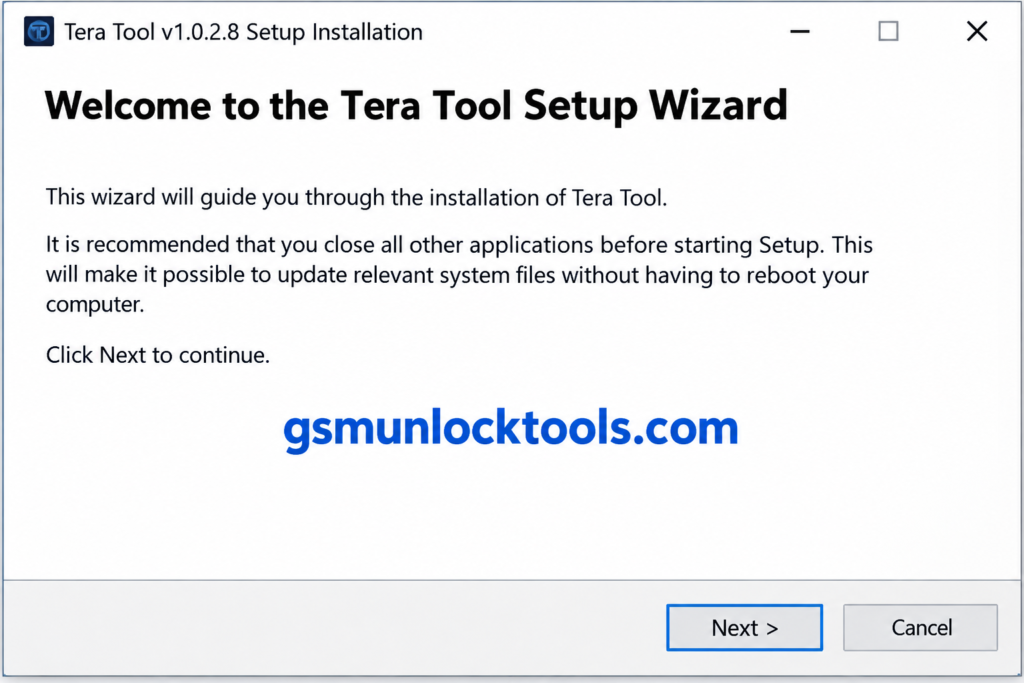
- Open the setup file and follow the installation instructions to complete the process.
- Install the appropriate MediaTek, Qualcomm, Samsung, or ADB/Fastboot drivers for your device.
- Open the application and complete activation using a legitimate license, if required.
- Connect the compatible Android phone with a reliable USB cable and select the required mode: ADB, Fastboot, EDL, or Download Mode.
- Choose the operation you need, such as reading device information, factory reset, or flashing firmware.
- Follow the on-screen instructions and wait for the process to finish without disconnecting the device.
Pros & Cons
| Pros | Cons |
| Supports multiple Android brands and chipsets. | Some functions work only with specific models and chipsets. |
| Combines several mobile servicing tools in one interface. | Requires compatible USB drivers and connection modes. |
| Offers ADB, Fastboot, and EDL-based operations. | Advanced servicing functions may require technical knowledge. |
| Includes firmware flashing and factory reset options. | Incorrect flashing can cause data loss or software issues. |
| Provides EFS and NVDATA backup and restore functions. | Incorrect partition operations may damage important device data. |
| Supports selected Samsung, Xiaomi, Huawei, and Unisoc devices. | Features may vary between software versions. |
| Offers various device information and troubleshooting functions. | Official licensing and download availability should be verified. |
Also check: Ultra Unlock Tool v4.4.3 Download Setup for Android Devices [2027]
Conclusion
Tera Tool is a Windows-based mobile servicing utility designed to help technicians manage various Android smartphone maintenance and repair tasks. It offers functions such as firmware flashing, FRP servicing, factory reset, and reading device information. Before downloading Tera Tool, verify the software version, licensing requirements, and device compatibility to ensure reliability.
FAQ’s
Which chipsets does Tera Tool support?
Tera Tool is reported to support MediaTek, Qualcomm, and Unisoc/Spreadtrum platforms. It also includes brand-specific servicing functions for selected Samsung, Xiaomi, and Huawei devices.
What are Tera Tool’s main features?
Its reported features include FRP servicing, factory reset, firmware flashing, bootloader management, device information reading, and EFS/NVDATA backup and restore.
Is Tera Tool free to download?
Some third-party websites advertise free downloads, while licensing requirements may vary by distribution. Use a trusted source and verify the software’s activation terms before installation.
Is Tera Tool safe to use?
Safety depends on the authenticity of the setup file and how the software is used. Download from a trusted source, scan files before installation, and back up important data before performing servicing operations.
One Comment